Hi, @starstar080234 (sid) 
I don't use "i3" ("i3wm" - https://i3wm.org/ = "i3 - improved tiling wm" / "i3 Tiling Window Manager" ) but @Phantorm has published the following detailed Wiki tutorial, here in the Ubuntu MATE Community discussion forums, 19 days ago (on 19th July 2023) and last updated it 3 days ago. I suggest that you check it (if you haven't already) to see if it helps you:
HINT: In that tutorial, you'll see that some lines begin with a "play" arrow symbol (►). Click on that line to expand it. For instance, you'll see the following line:
Installation
Open your terminal and write to it:
- Install i3:
sudo apt install i3- Change your window manager to i3:
dconf write /org/mate/desktop/session/required-components/windowmanager "'i3'"- Prevent desktop with icons to cover your windows:
dconf write /org/mate/desktop/background/show-desktop-icons false- Log out and go back:
Hint: You can use
dconf-editor(sudo apt install dconf-editor) to easily change dconf.
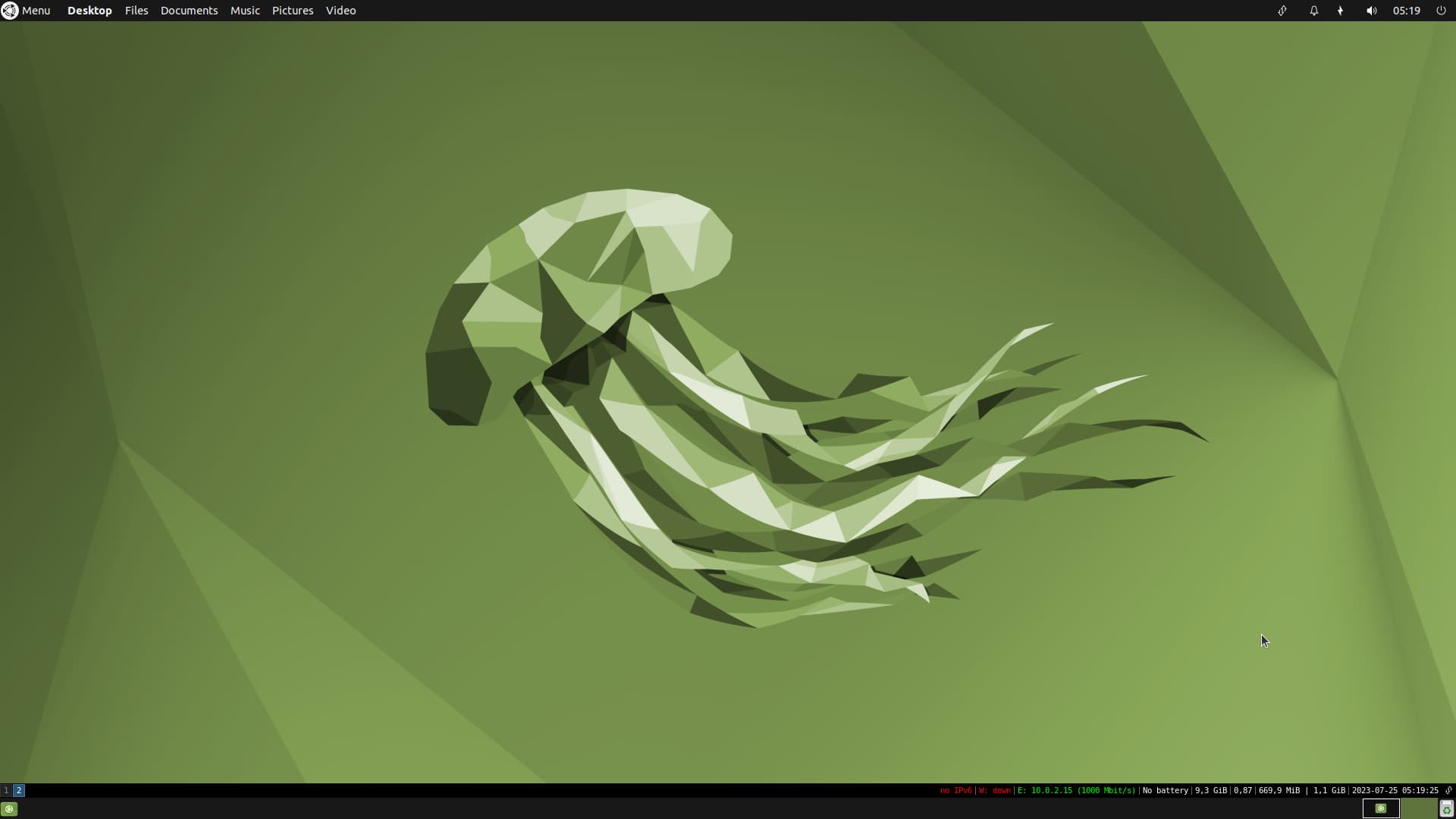
If you click on that "► Installation" line it will expand to the following text:
" (...)
► Installation
Open your terminal and write to it:
- Install i3:
sudo apt install i3- Change your window manager to i3:
dconf write /org/mate/desktop/session/required-components/windowmanager "'i3'"- Prevent desktop with icons to cover your windows:
dconf write /org/mate/desktop/background/show-desktop-icons false- Log out and go back:
Hint: You can use
dconf-editor(sudo apt install dconf-editor) to easily change dconf. (...)"