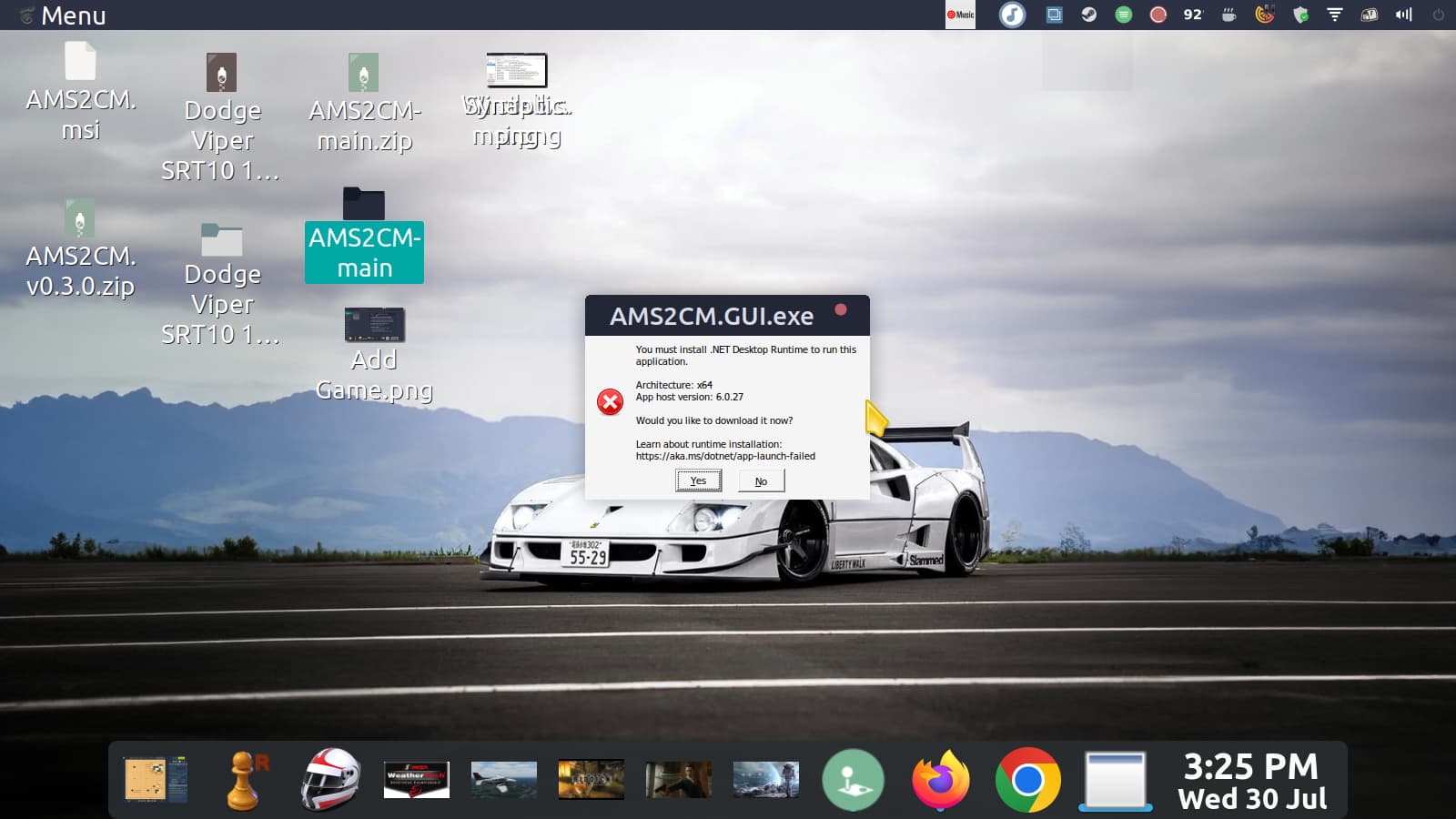
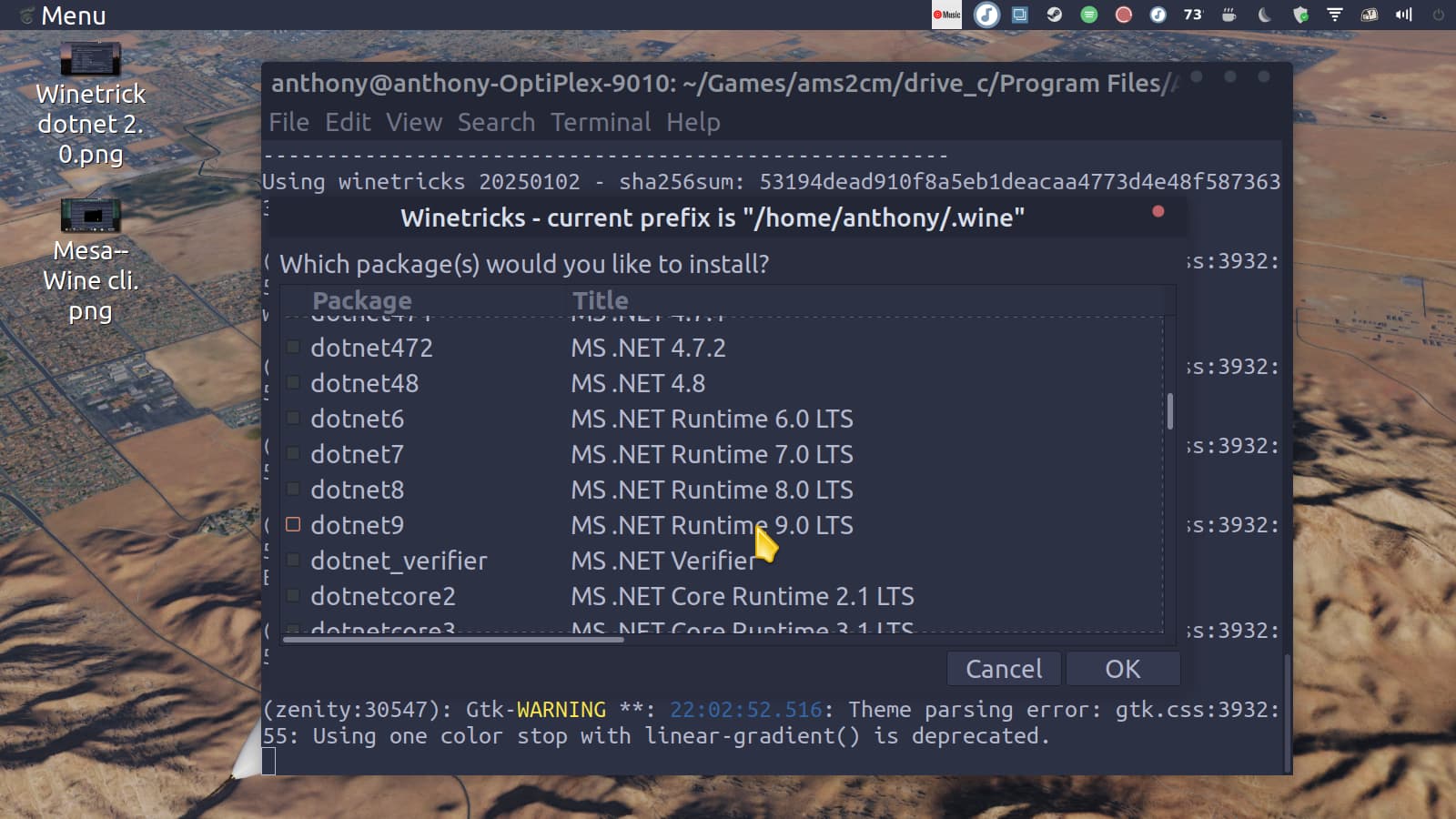
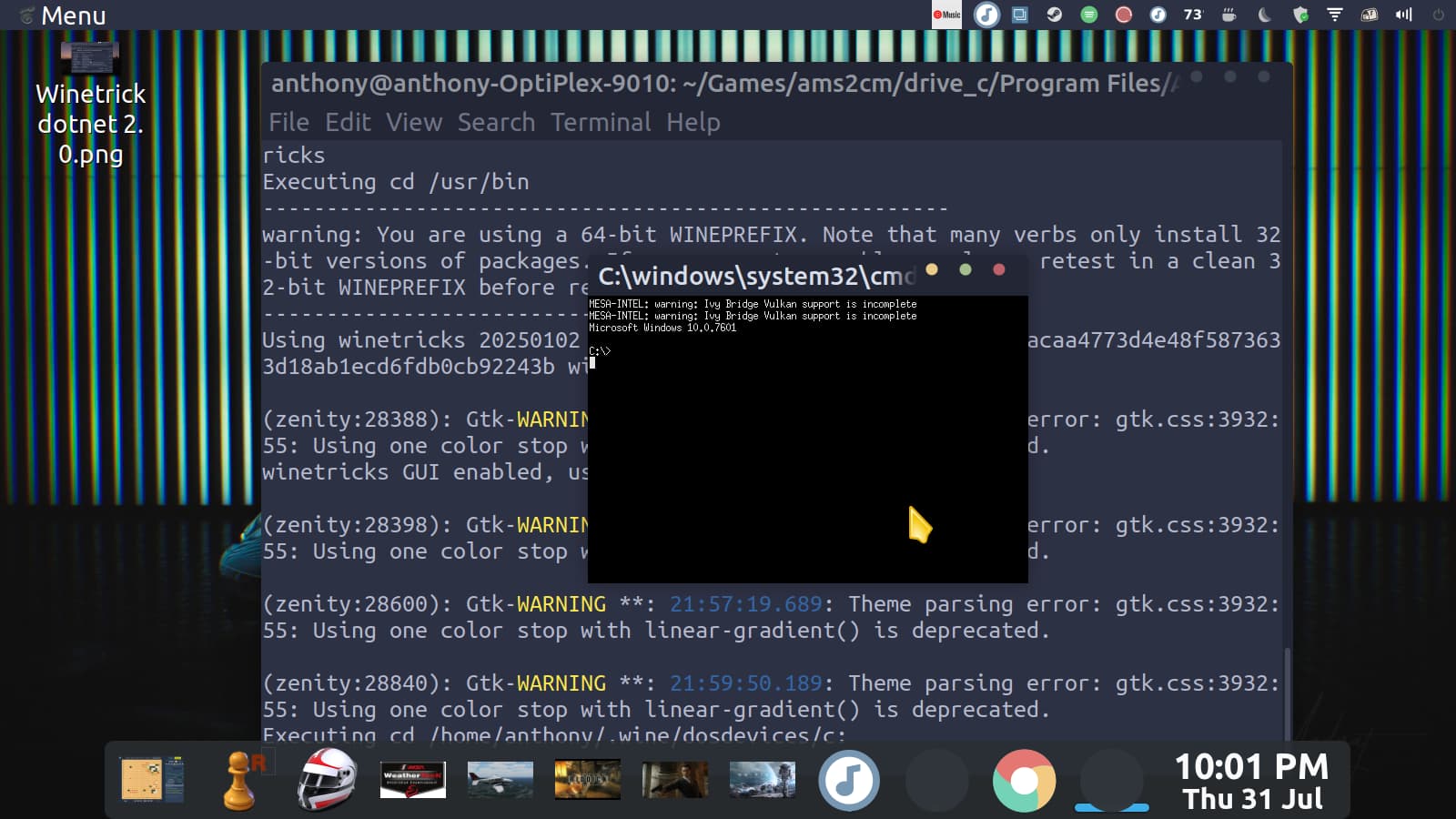
Hi. I'm trying to use Lutris to install Automobilista 2 Content Manager. I was previously using PlayOnLinux, but I read that the app is now considered obsolete. As you can see, I almost have the program running, but the error window states that I need .Net Desktop Runtime version 6.0.27 and asks me if I want to download it. However, after clicking Yes, the computer does not download it. I'm unsure what the error message means--
I need 6.0.27. The following code is what I get when I navigate to AMS2CMs folder, then open the terminal and type AMS2CM.GUI.exe. I don't know if it means anything--it's quite a lot of code.
I like racing sims, so the ability to download all sorts of cars for free is a great thing--the Content Manager is the only thing that's a pain because of Linux. But once it's solved, I can forget about this difficulty, and the computer will work perfectly ( Cairo Dock doesn't work, but I have Latte in place of it).
Can't help much there - you can install dotnet6 I guess, and hope for the best. There's a github issue related to Linux support, but it didn't seem to give me much hope for the GUI (the CLI might work): Linux support · Issue #96 · OpenSimTools/AMS2CM · GitHub
Hi. I just wanted to confirm that the CLI commands of the software @stephematician linked did indeed work–the address to the AMS2 Steam install that I had to edit the file config.yaml to point to was interpreted by wine as F:, in place of the Linux just simply labeling it as Seagate External. The error before this step was taken resulted in the terminal reporting that the game couldn't be found. Perfect computer again–everything working great without an install of Windows.
I have been using AMS2 CM via terminal on cachyos with no problems.
Here are the instructions I followed to be able to use CM on linux without any problems.
winetricks -q dotnetdesktop6
#Download AMSCM from:
wine AMS2CM.msi (Do not forget to install CLI that you have to select in the AMS2CM installer)
#Double check the path on the bellow file, this is the most important:
vim /home/slemke/.wine/drive_c/Program\ Files/AMS2CM/Config.yaml
Path: Z:\home\slemke.steam\steam\steamapps\common\Automobilista 2
Copy mods(do not unpack) to (Create directory if it does not exist):
/home/slemke/.steam/steam/steamapps/common/Automobilista 2/Mods/Enabled
Example:
slemke@simrig:~/.steam/steam/steamapps/common/Automobilista 2/Mods/Enabled> ls
[AMS1]F1 2016 for F-Extreme.rar [AMS2]F1_1990_Season 1.23.rar [AMS2]F1_2012_Season.rar
[AMS2]CART_1995_Season.rar [AMS2]F1_1991_Season 2.01.rar [AMS2]F301_Legends.rar
[AMS2]F1_1967_Season.rar [AMS2]F1_1992_Season 1.01.rar [AMS2]F309_Legends.rar
[AMS2]F1_1969_Season.rar [AMS2]F1_1993_Season 1.017.rar [AMS2]McLaren F1 GTR - Le Mans 97-98.rar
[AMS2]F1_1978_Season 1.34.rar [AMS2]F1_1995_Season 1.28.rar F1 1997 Helmet & Suits Pack 1.1.rar
[AMS2]F1_1986_Season 1.20.rar [AMS2]F1_1997_Season1.1b.7z F1_2024_Skinpack_V2.0.7z
[AMS2]F1_1988_Season 1.56.rar [AMS2]F1_2000_Season 2.06.rar sigma_p1.7z
slemke@simrig:~/.steam/steam/steamapps/common/Automobilista 2/Mods/Enabled>
@TouchingCloth That is very helpful for people–mentioning to create the /Mods/Enabled (I had to, so I figure others would also). The drive that Wine interprets where F:\SteamLibrary\steamapps\common\Automobilista 2 is, I had to enter F:, as that was what Wine decided to label my external Seagate for the edit of Config.yaml. Thanks again for the post.