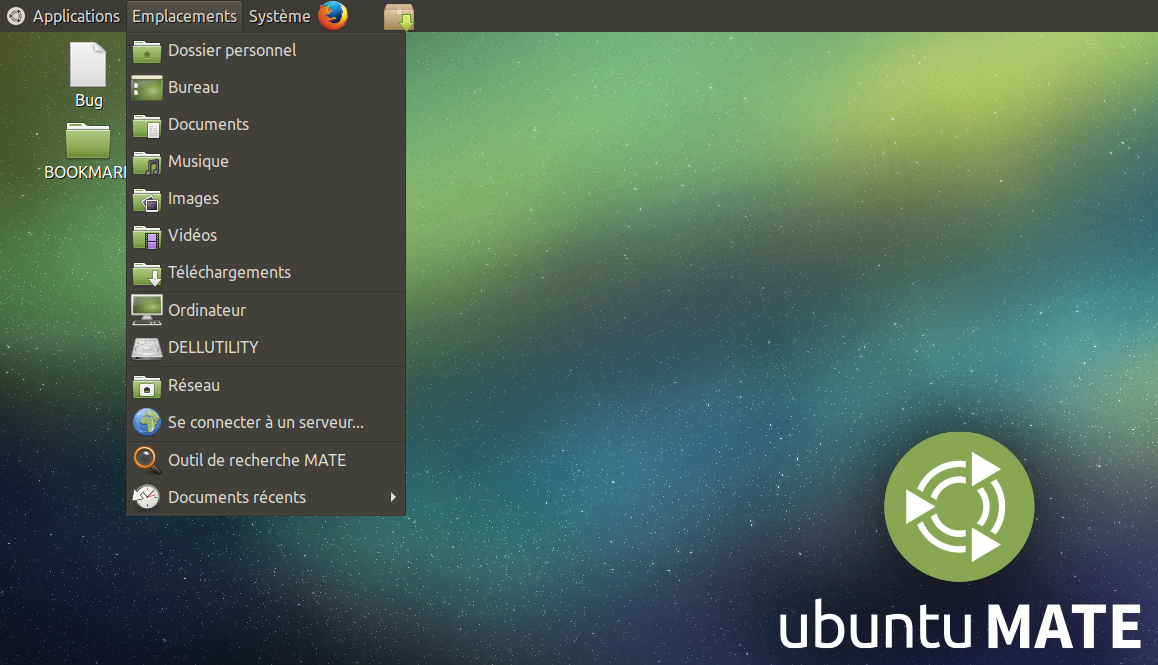
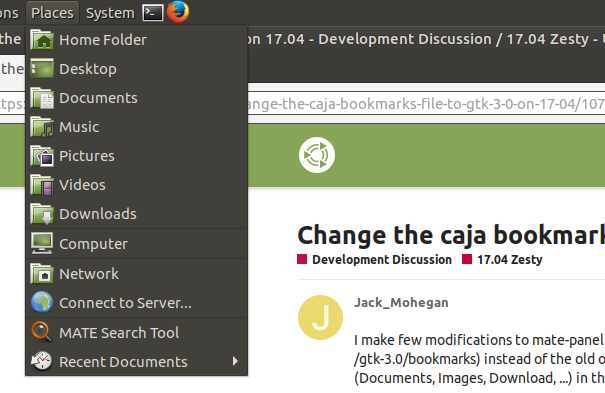
I make few modifications to mate-panel and caja to use the new gtk-3.0 bookmarks file ($HOME/.config/gtk-3.0/bookmarks) instead of the old one ($HOME/.gtk-bookmarks). So, you can have all the shortcuts (Documents, Images, Download, ...) in the places menu applet by default :
Download the deb files (amd64 only) here : dl.free.fr/c51YvwbWN
Extract the file and use the command : sudo dpkg -i *.deb
Restart the computer and test.
I made patch files about the few modification that I made (from apt-get source caja mate-panel) :
I’m running a virtual machine so removal of this modification is easy, but what would be the correct way to remove if on a standard install? I do not think dpkg would do a good job of cleaning this up, maybe it will.
In the upcoming MATE 1.20 (which will go into Ubuntu MATE 18.04) the migration to ~/.config/gtk-3.0/bookmarks finally happened. Caja, mate-panel and Pluma’s filebrowser plugin will use that location.
We don’t have a proper migration path from ~/.gtk-bookmarks yet though. If you have the old bookmark file and don’t have a new one, Caja will read the old one as a fallback; however, if the new file exists, Caja will only read it, not reaching the old one. Need a bit more work to do here.