IMG_7194.heic
I installed
ImageMagick
.
But I do not know how to open it.
I would like to convert a .heic image to a .png
IMG_7194.heic
I installed
ImageMagick
.
But I do not know how to open it.
I would like to convert a .heic image to a .png
Look for
heif-convert
You get that from
sudo apt install libheif-examples
Can you choose an option on your Apple device to store image as PNG instead of HEIC ?
As always, "It depends" is the first prefix to any solution. I would ask:
Where is the photo? On your phone? On your computer? Which computer?
For starters, many image editors know that HEIF/HEIC is simply a more efficient form of JPEG. If you must convert it to .PNG, some will offer to do that for you as an export/save option.
Macs have a built-in capability in the "Quick Actions" section of the Finder's menu. Simply right-click the image file while viewing it in a Finder window and scroll down to the "Quick Actions" section and choose "Convert Image." The resulting windoid will show you the JPEG/PNG/HEIF format options and the saved size options. It will then make a COPY of the image with the same name and appropriate file extension.
On Linux, if you prefer to not use a command-line interface, you can download the free Switcheroo (formerly Converter) program that among its many other options, has a conversion feature.
I used this.
heif-convert IMG_7194.heic notheic.jpg
Portable Network Graphics (PNG, officially pronounced /pɪŋ/ PING,[3][4] colloquially pronounced /ˌpiːɛnˈdʒiː/ PEE-en-JEE[5]) is a raster-graphics file format that supports lossless data compression.
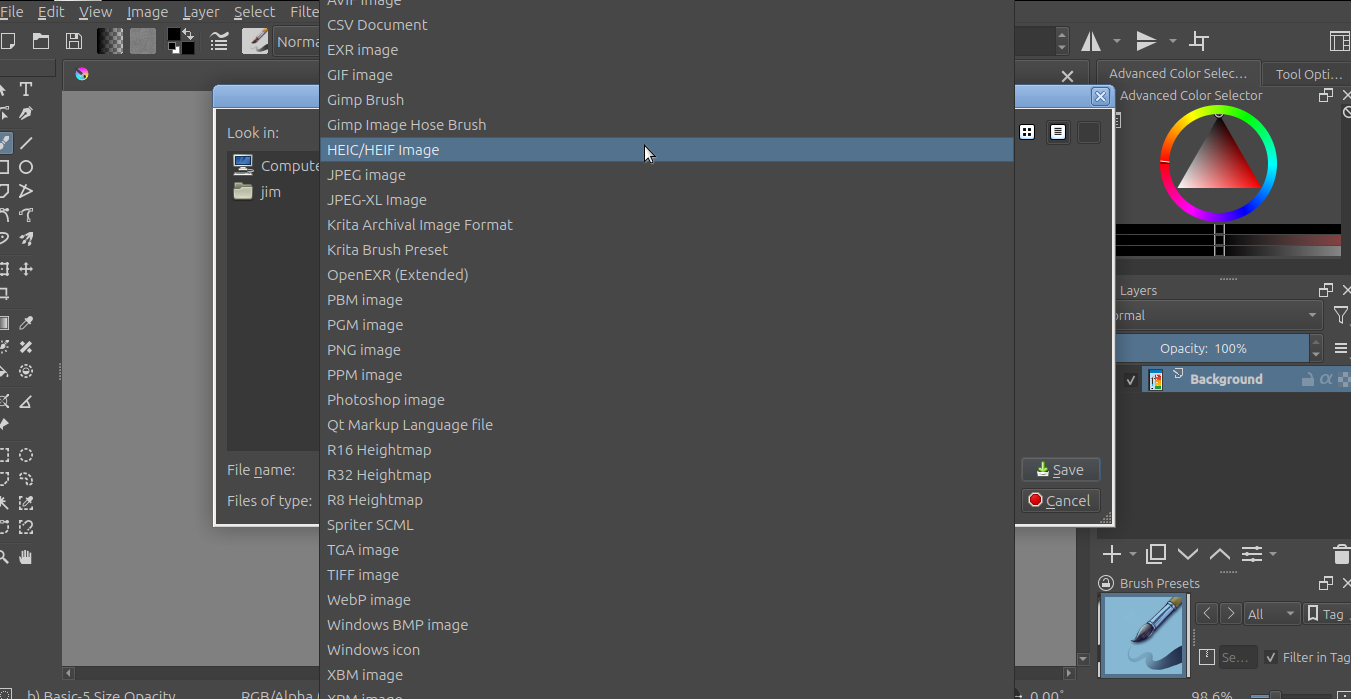
Thanks. I found out that Gimp can convert as well.
It reduced a 1.5 Mb file to 1/3 the size.
Quality looks great. 
I tried to upload it, but .heic is not supported.
It is also not supported on Imgur as well.
Gee whiz. I wonder why ?