I'm putting together a couple of UM machines for my neighbor's 7yo twins, I'm looking for good educational software to install in addition to gcompris, I'm specifically looking for a US Constitution primer for kids (how government works, the constitution, etc), along with good solid math and spelling apps...any suggestions on the best place to find these?
2 Likes
I think there may be a snap for the US constitution, you would have to look on the snap store
1 Like
Thanks @Bernie I appreciate it.
I installed it on my machine, it's a command line app and there are no notes on how to execute it...in any case I'm looking for a gui based primer for 7 year old children...I'll look into it for my own gratification as I'm often looking through my pocket constitution (paper variety) for various passages and this might be easier.
2 Likes
Thanks @stevecook172001 I appreciate it,
I think I'll install all of them and figure out which ones will work best for these kids
1 Like
If the kids are at all creative I recommend Tux Paint.
Tux Paint is meant to be a simple drawing program for young
children. It is not meant as a general-purpose drawing tool.
It IS meant to be fun and easy to use. Sound effects and a
cartoon character help let the user know what's going on, and
keeps them entertained.
Tux Paint is extensible. Brushes and "rubber stamp" shapes can be
dropped in and pulled out. For example, a teacher can drop in a
collection of animal shapes and ask their students to draw an
ecosystem. Each shape can have a sound which is played, and
textual facts which are displayed, when the child selects the shape
tuxpaint-stamps-default
1 Like
I’ve been exploring various educational tools for a small nonprofit initiative we’re running to support adult learners with limited digital literacy. While most off-the-shelf LMS platforms offer great features, they often come with a lot of unnecessary complexity or branding we can’t customize. Has anyone here looked into custom LMS development? I’m wondering if building something lightweight and fully tailored could actually be more effective long-term. Any suggestions on where to start or who to talk to about this?
2 Likes
Some things to consider. 
Touch typing trainer:
Periodic Table of Elements and guide to properties:
For Eager Junior Programmers:
( ONLY for the really keen, booting Linux using Scratch:
Education-focused Ubuntu-based distro:
The installer for Edubuntu is a key enabler for choosing the target audience and applications that are installed:

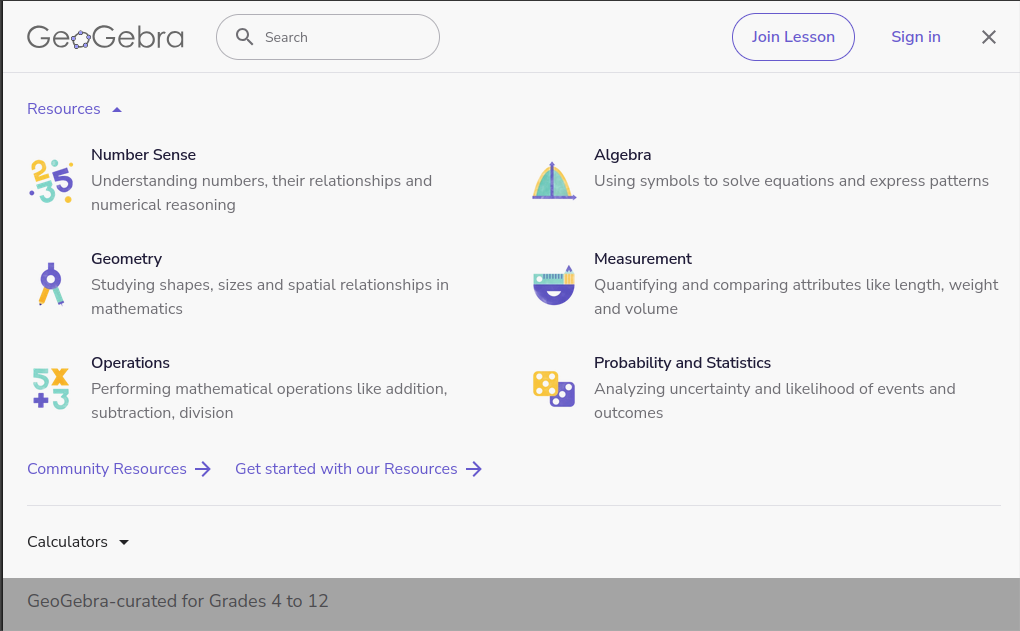
Maybe a bit more advanced, but if they have the right "head space", there are contributed Apps for Geogebra to suit many specific problem types:
To explore the stars (for those using telescopes):
To encourage the budding musician:
For the creative side, you have Gimp and Inscape:
5 Likes
Hi, @Zarina and welcome to the Ubuntu MATE Community!