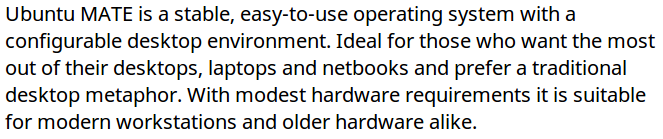
After seeing that Linux Mint ships with this font, I decided to try it out in UM. It's actually very nice and from what I can tell robust in the sense that it's available for all languages. Preview the character set if you like.
You can download it manually on Google's web site or use TypeCatcher to install it.
Noto Sans doesn’t seem to play nice with terminal. Everything else is working along with this font. But texts overlap and make unnecessary spacings in terminal windows. How to fix this problem? How did you solve this problem?
For anyone who’s made it this far in the thread without installing it, I suggest you do. It gives you a list of all the Google Fonts (you can search by name) and one-click installation locally. That is brilliant.