How can I delete the last column ?
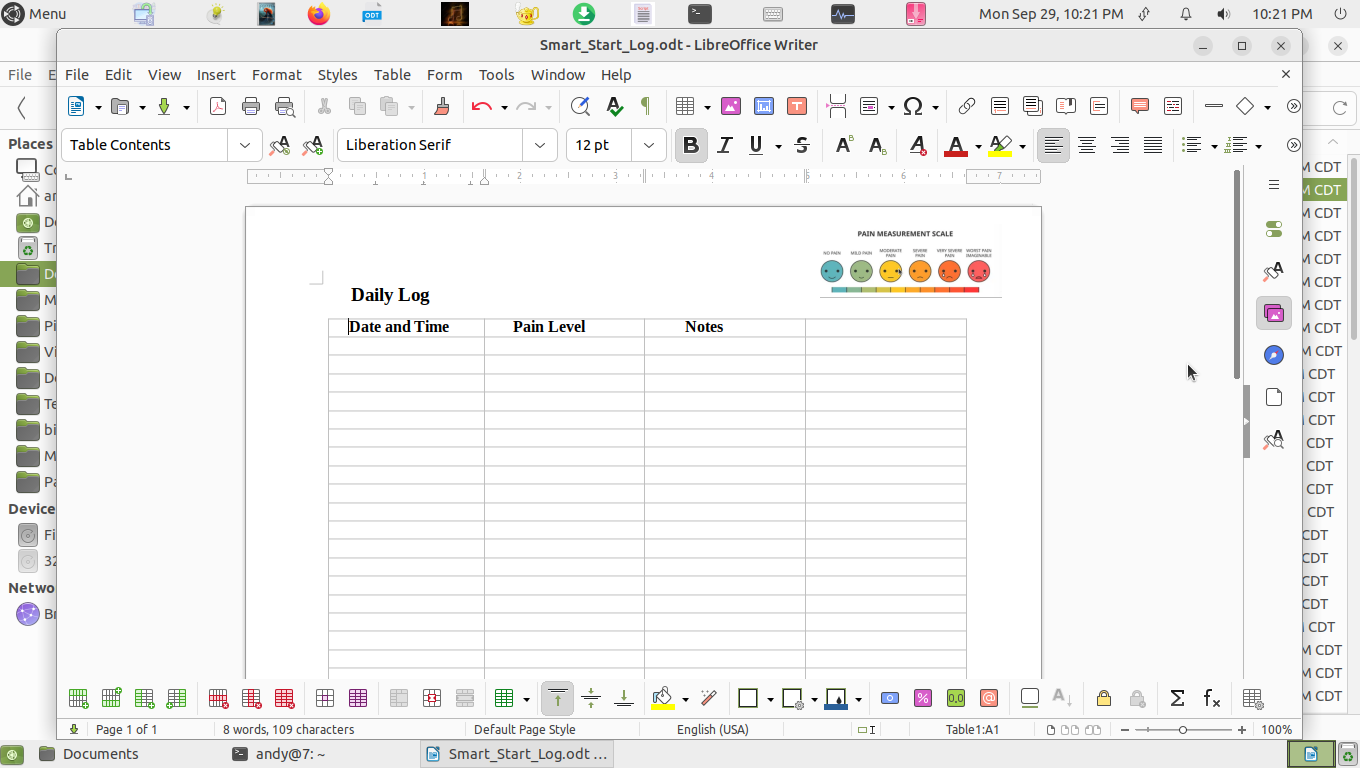
Here is a screencast "snapshot" of the GUI interration to delete the column. Essentially,
- move cursor until the thick arrow is pointing down (column selector) then click to highlight,
- right-click to get context menu for selected column,
- move cursor to select "Delete", then
- move cursor to select "Column", then
- click!
2 Likes