smurf
22 November 2025 16:16
1
Hi! I’m using Ubuntu Mate 24.4.3 kernes 6.14-35.
Each time the login window appears is accompained by a drum roll and sometimes that sound is annoying.
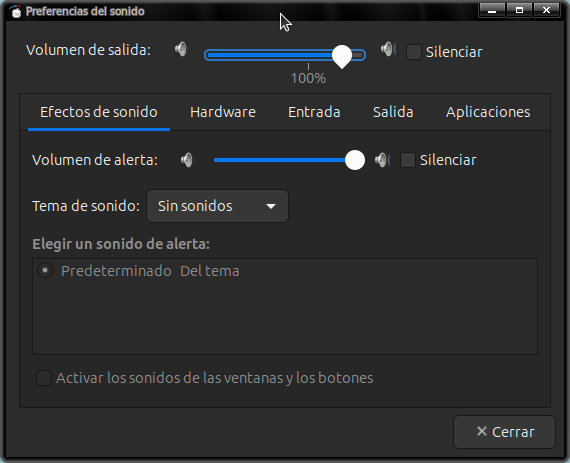
I switched off the system sounds in sound control panel, but has no effect.
How can I mute that sound at login?
1 Like
mdd12
22 November 2025 19:25
2
Try clicking the Silenciar check box.
1 Like
smurf
22 November 2025 19:34
3
Hi! mdd12, I tried it, but it doesn’t work.
1 Like
smurf
22 November 2025 19:35
4
After an extended search I found it
Hi @km-km ,
you can configure arctica-greeter and disable login sound.
Create file /usr/share/glib-2.0/schemas/40_arctica-greeter.gschema.override
Contents:
[org.ArcticaProject.arctica-greeter]
play-ready-sound=false
Run sudo glib-compile-schemas /usr/share/glib-2.0/schemas/ to recompile schemas
Relogin
Hope this helps
Problem solved.
Thanks to ironfoot
5 Likes
jaybo
23 November 2025 16:43
5
Too funny as there are others always asking to enable it. I am one of those who wants the drum roll and login sound. But the flexibility of configurations make Mate so good.
1 Like