Hello Ubuntu Mate users:
**
How can I make the screen or system to lock right after Boot?**
In the control panel I tried the screensaver options, after the power management windows, and that is all ready and set up. But if I chose to enable it after 1min (the minimum/no zero) makes no sense, because after I have to go back and change the screensaver with the lock screen enabled to a longer time. With 1 minute the screen locks fast.
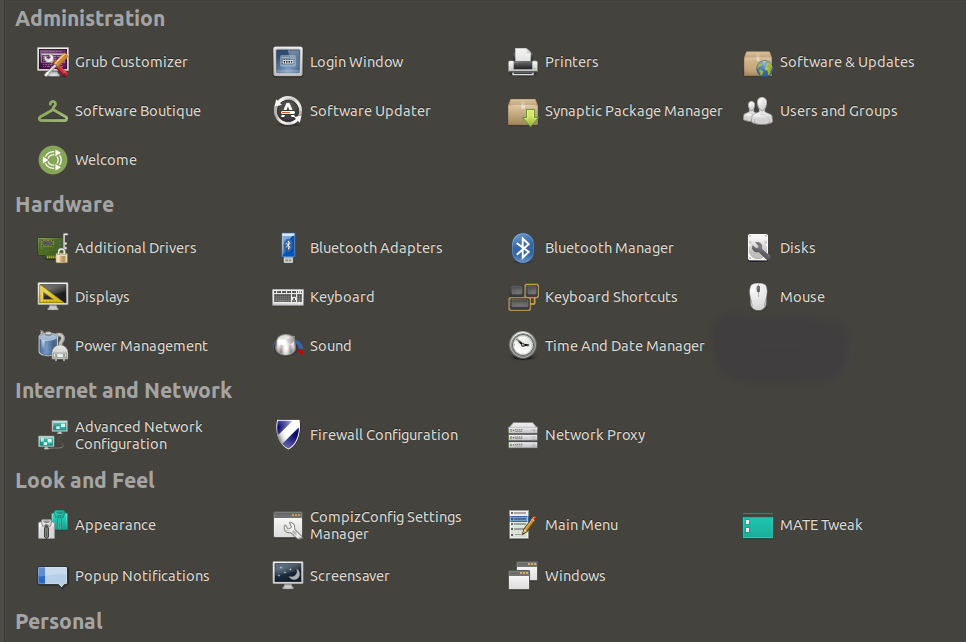
At the control panel there’s the Login Window option. I don’t think is there as well.
They say to go to the User and Groups window and to disable the automatic login in the administrator account, and that says Ask To Login, to change to Dont ask password to login, makes no sense. Probably thats for ubuntu users, or for the new versions of Ubuntu Mate.
Is there a way to create a Startup Application for the effect, or a command line to Lock the Screen right After Boot?
I read it somewhere but now I tried to research and I lost it.
Ubuntu MATE 20.04 LTS is End of Life, and has been for some time now.
Also note 20.04 or focal is beyond it's standard support; so no Ubuntu support is available; it's supported only now via ESM or extended support which is provided by the Canonical company.
As the release is EOL, it's not supported here [directly], so many of us will ignore the question.
The MATE desktop is on-topic on this discourse/forum site (regardless of OS being used); so the question can remain, and maybe answered by some users; but being an unsupported release that will be a smaller subset of total site users.
BTW, right after a system's boot-up it is locked and awaits a user to log in. That is why I am very curious of what you intend to achieve by locking screensaver right after user's login.
Could you please share?
That is not happening, because during installation I enabled auto login… wait, that might be the answer. During boot I set it up to show the processes running, during username and password it automatically continues the boot process until the desktop environment is loaded.
This have nothing to do with the screensaver, the options to lock the system after are there and the power management too. But that’s different.
The system is set up to lock by it by itself after a while, or if I lock it manually.
There's no way in Ubuntu Mate to lock the screen after boot, unless I I create a startup application.
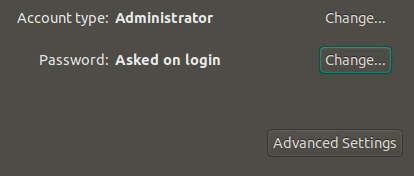
You are right, if I can disable the autologin by a command line, during boot it will prompt for password. In the users and groups in my account, like the picture is already “asked to login”.
I dont know why the user/password is not asked during boot.
I think that's because during the installation I enabled auto login.
This is weird. And I am concerned if I use the terminal after some research, the system wont boot up after, if I make something wrong.
I am going to:
1: create a script and add that scrip to the start up applications to lock the screen right away.
2. see if I can get the options back, to login manually into the desktop environment during boot, by terminal.
It may be a different command for the 20.04. That's an idea. I will research for my distro version. Lightdm is right, the rest is wrong. That's one step. Thanks
Is this for the mate session with the desktop environment loaded? -ok, I will check the command first. This will force to logout of something. I think I will need more commands, between boots. I will google them.