Mate-volume-control-applet does not appear

I have a Mate 24.04 installation, and I’ve lost the volume control applet.

I’ve tried to follow the suggestions in a 2018 thread on the topic, but I don’t have matching software. For instance, the suggestion is to make sure that mate-volume-control-applet is installed. I have the file /usr/libexec/mate-volume-control-applet. When I launch it, my terminal window waits without response but not applet appears. I have both ‘notification area’ and also ‘Indicator Applet Complete’ on different panels.

If anyone can see what I’m doing wrong, please explain how to make the applet appear.

Thanks

my um24 shows the ayatana-indicator-sound (top right) Do you have that?

1 Like

Sometimes, to get around a glitch, just remove the current App**

  • Indicator Applet

then go back and add the Applet again. If you still have a problem after trying that, then you will need to dig into the system log files to look for a error/failure/crash of the "ayatana" or "sound related" applet, and try to understand those for pointers to cause (to avoid a possible repeat).

1 Like

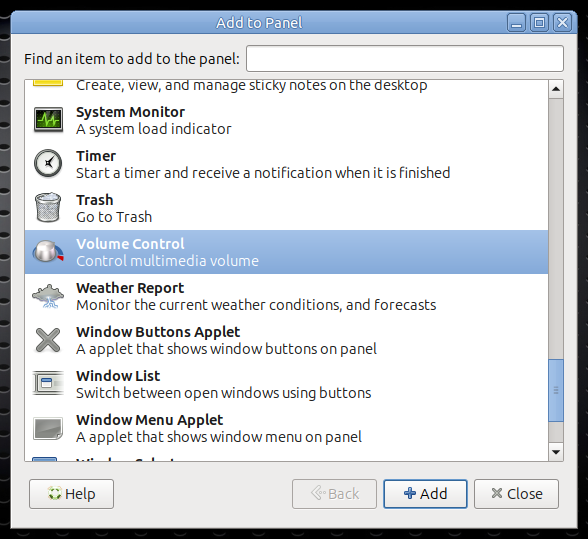
Add to panel also gives you a stand alone volume control if you prefer that.

2 Likes