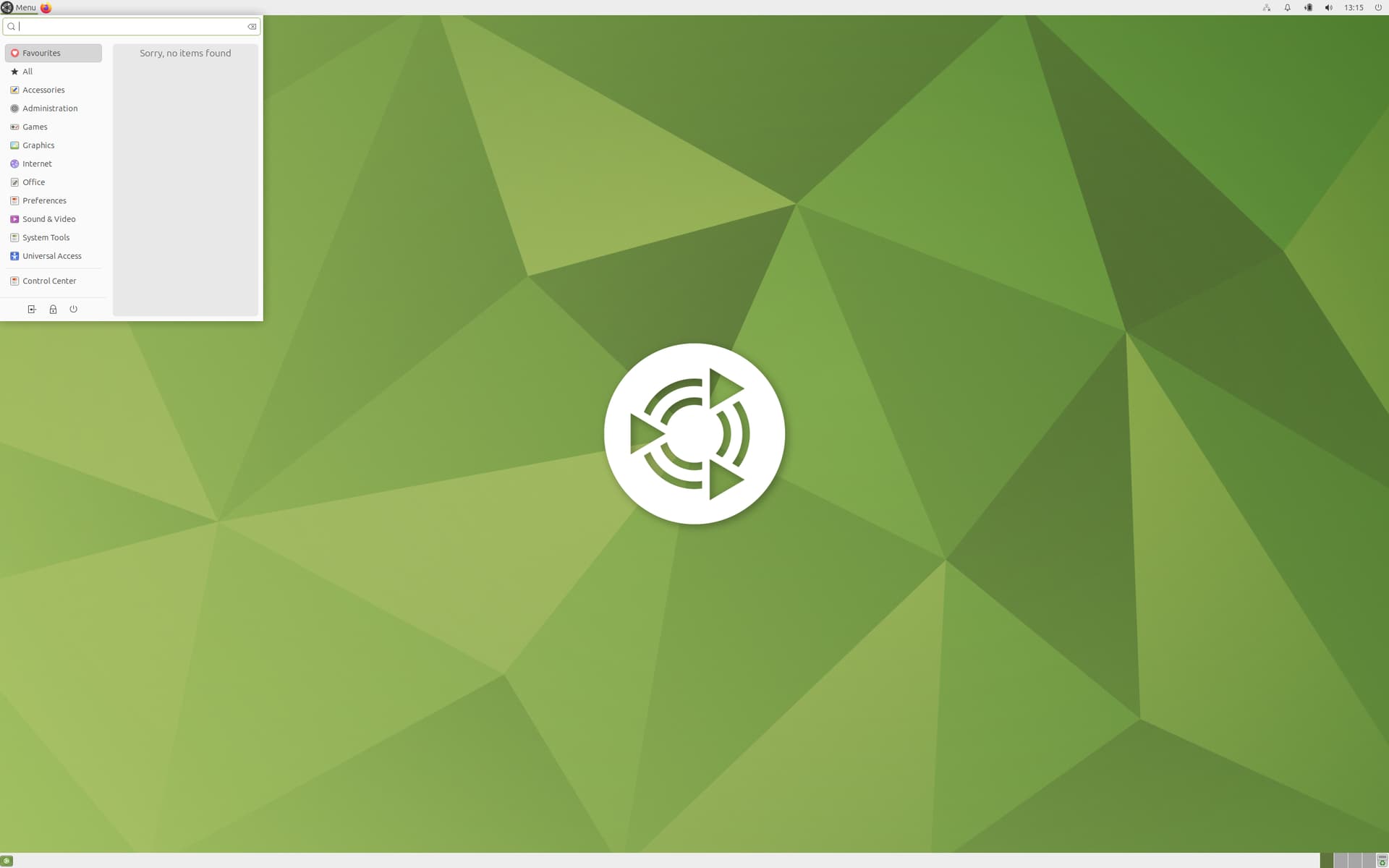
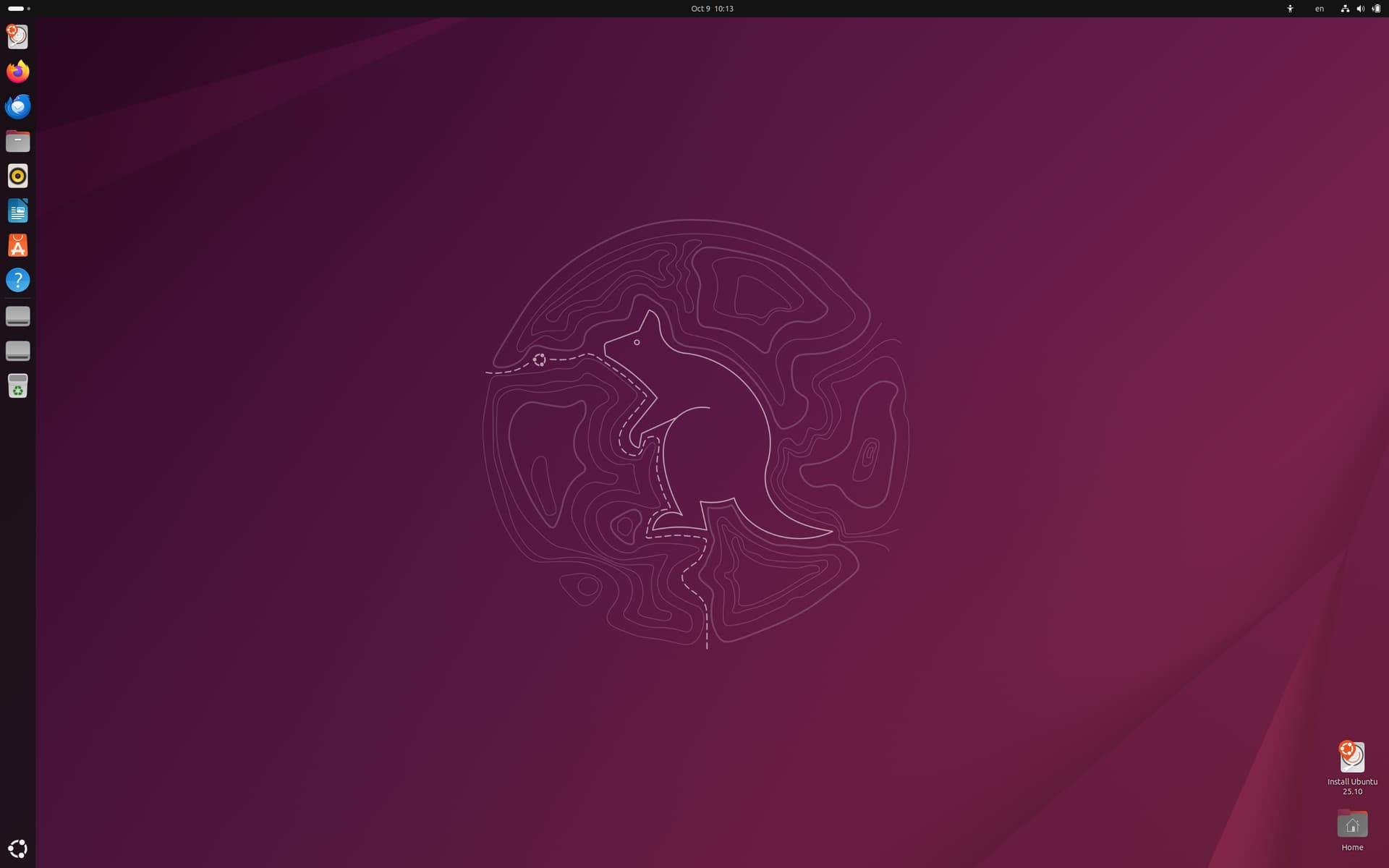
Hey, Am new to Ubuntu and hope this is in the right place… I fumbled around with installing and updating 22.04 with various other add-ons that seemed to fit my set up, but am now in a muddle and need some direction on a couple of things. (unsure if it Jammy version of 22.04 that I have)
Something’s been added that causing system wide issues, browsers crashing unable to launch updates etc. I’ve seen many posts on different ways of trying to solve this but none are the same and most assume you know Ubuntu works. I understand I’ll probably need to delete lines of corrupting code. But how I find and delete them is where I need help, if anyone has the time/ know-how please?
‘Error opening Cache: E Malformed entry 1 in sources file/ect/apt/sources.list.d/thirdparty.resources (URI parse) E: list of resources could no be read.
If anyone has some pointers on ho to identify and remedy the offending code it wold be really appreciated.
Following the steps in a similar post I’ve generated this: -
E: Malformed entry 1 in sources file /etc/apt/sources.list.d/third-party.sources (URI parse)
E: The list of sources could not be read.
jonathan@jonathan-iMac:~$ cat /etc/apt/sources.list.d/third-party.sources
Types: deb
URIs: cdrom:[Ubuntu 22.04.4 LTS Jammy Jellyfish - Release amd64 (20240220)]/
Suites: jammy
Components: main restricted
Maintenance updates will be provided for 5 years for Ubuntu Desktop, Ubuntu Server, Ubuntu Cloud and Ubuntu Core. All the remaining flavours will be supported for 3 years.
Ubuntu Desktop, Ubuntu Server, Ubuntu Core .. came with 5 years, but Ubuntu MATE is one the flavors with 3 years of support, which ended back in April 2025.
I suggest re-reading your error message though
E Malformed entry 1 in sources file/ect/apt/sources.list.d/thirdparty.resources (URI parse) E: list of resources could no be read.
It tells you the file with the error /ect/apt/sources.list.d/thirdparty.resources (that file shouldn't exist; it contains a typo!!) and line number with the erro (entry 1 ~= line 1).
Does this info from terminal give the version I currently have installed? Is the above an outdated OS?
.. I’ve followed a post on how to delete the error which has removed the error warning in top right corner and allowed a partial update and restart, but still gives me
‘Software updater: Failed to download repository information. Check internet connection. Any ideas please?
looks same colour as the lower - but different layout.
Can anyone tell me if the version I’ve quoted is end of life please, as got mentioned but no-ones really told me. If so, looks like I’ll need to upgrade?