Alarik
4
First - to take a timed screen-shot you can see tutorial on how to capture screen when you've got some menues open and print-screen won't register:
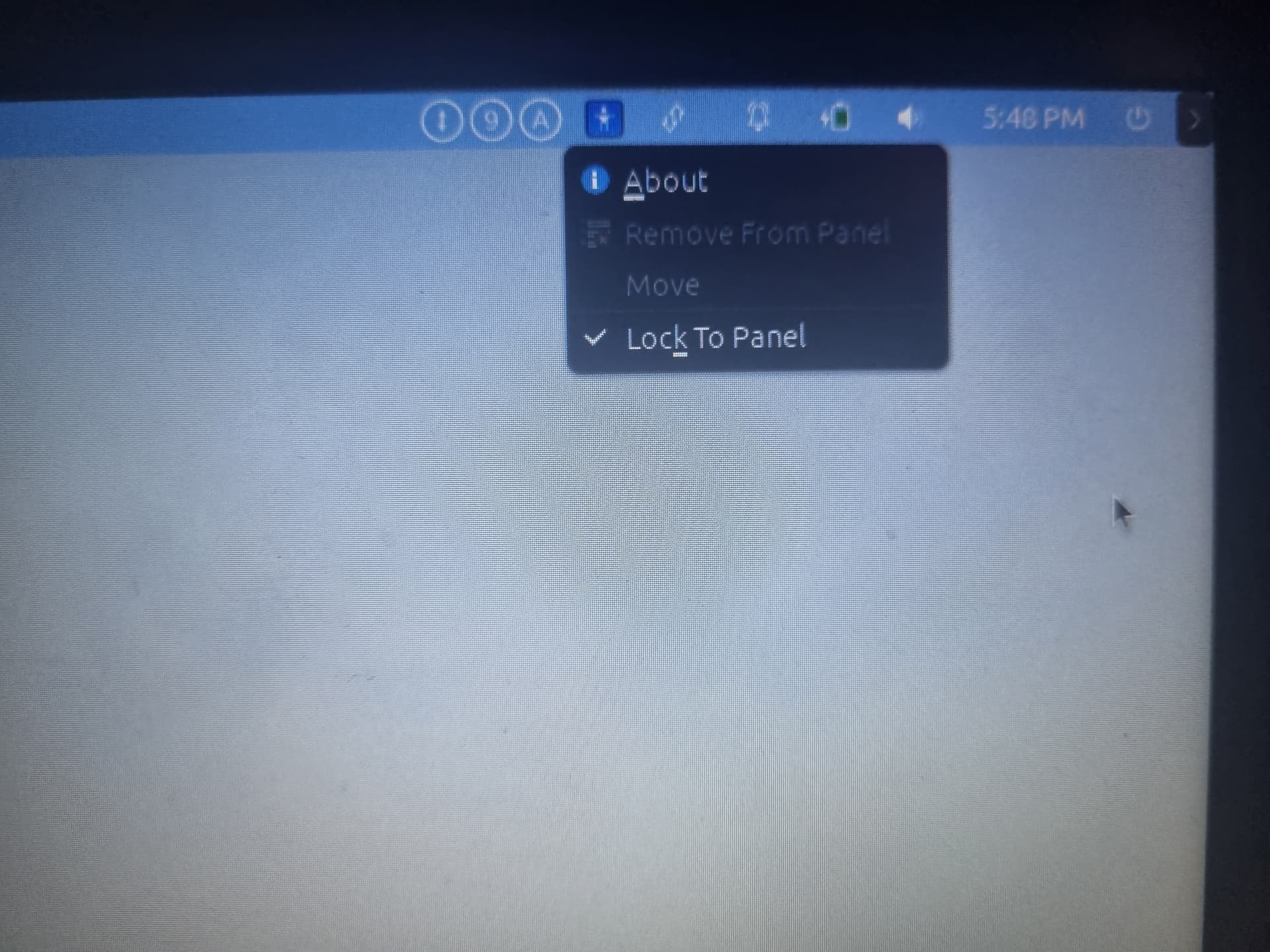
Second, if you RIGHT-CLICK - on any applet added to panel you should see this:
And when you click "Lock to panel" - it should unlock it and you will be able to press "Remove from panel"
1 Like