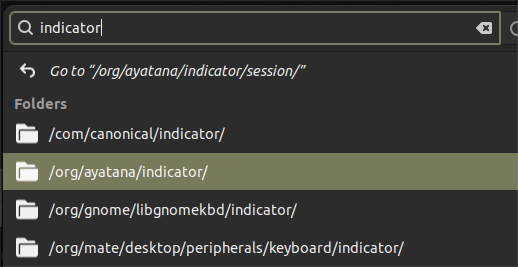
I have been experimenting with adding user accounts. And I noticed that the menu that drops down from the menu on the right side of the indicator applet lists all the user names I have added. Whenever I select one I get a black screen and nothing responds to the keyboard or mouse. Is there a way I can remove these from the menu list?
Using 24.04 with the bottom panel moved to the top of the screen.
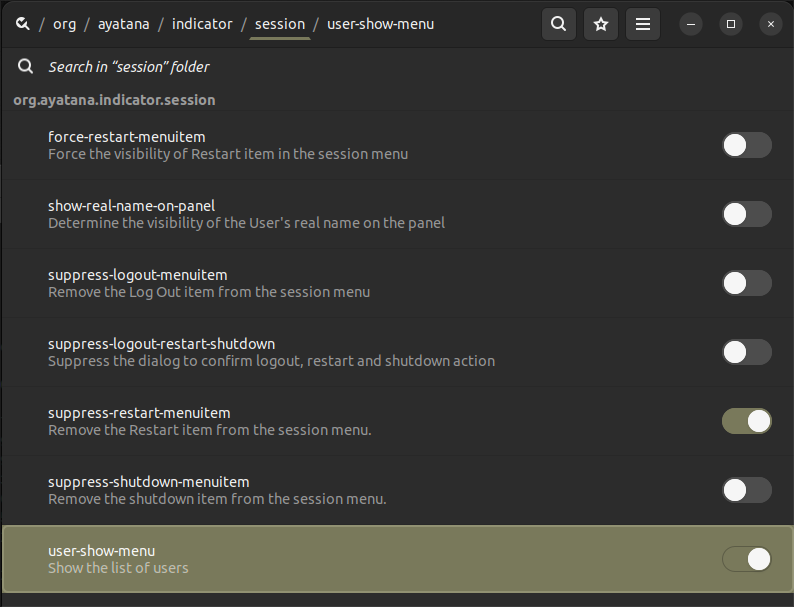
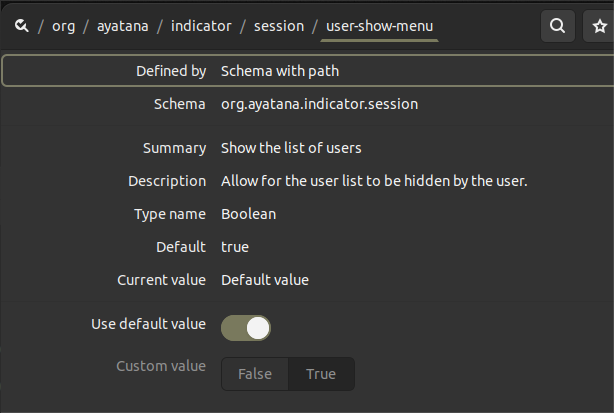
On that list, you should see an entry for "user-show-menu", which is currently "ON". If you click on that entry's line, you will get the following panel:
If you click on "Use default value", that will toggle the access to the "False / True" buttons. If you click on "False", that should hide the User list.