Hello!
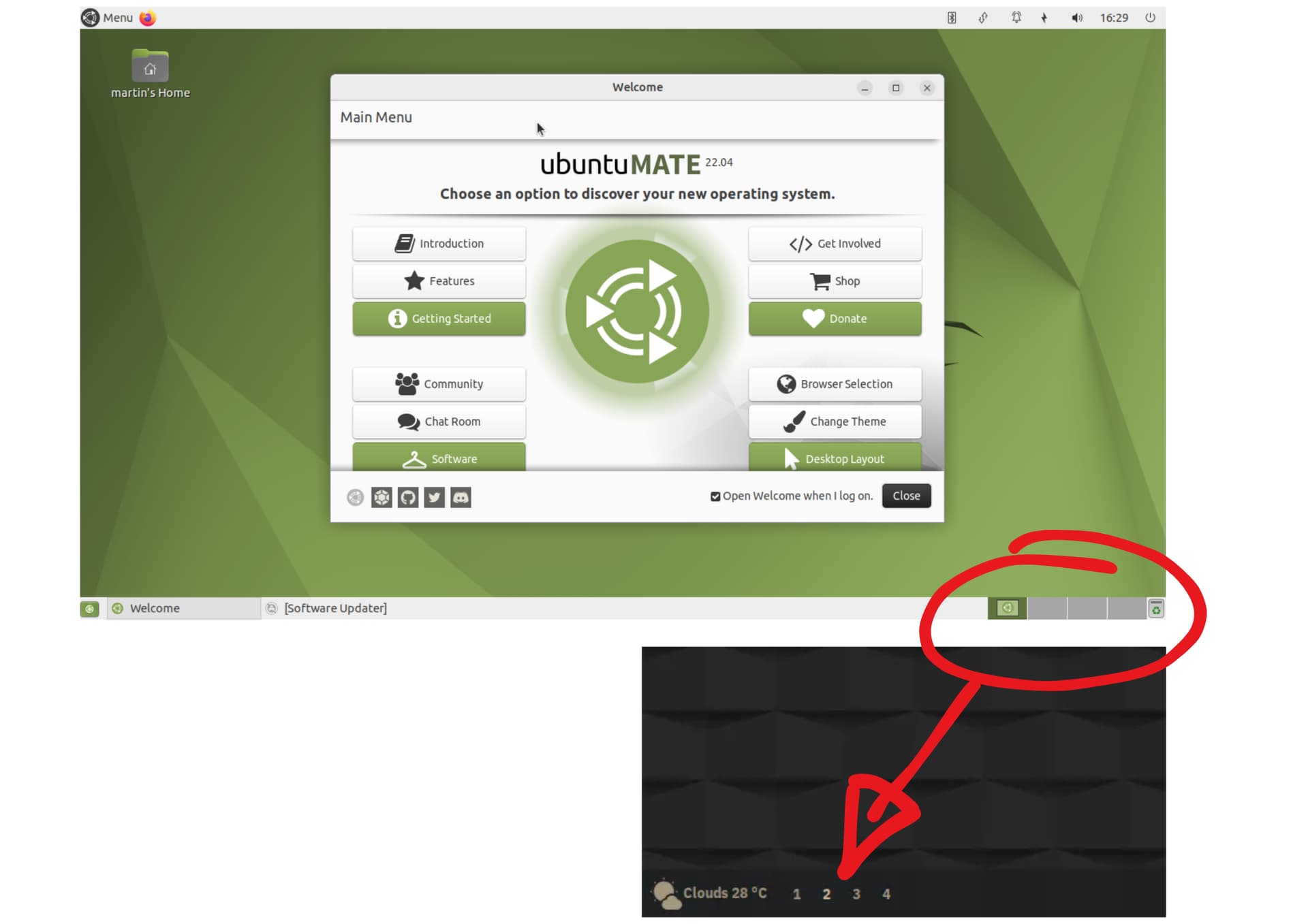
Is it possible to configure the 'Workspaces' applet so that it shows a symbolic representation of the desktop rather than an actual representation? For example, dots or numbers, kinda like Linux Mint and PopOS.
If it is possible, can anyone help me with this?
1 Like
Hi, @Tita_De_La_Garza and welcome to the Ubuntu MATE Community!
1 Like
Welcome!
I am not 100% sure what you are asking, but if you hover over a panel with your mouse, there is an option “+ TO PANEL”. You can then see all the items you can add to a panel. There is a basic desktop icon and you can change that icon to something else if you want, but that is a different process.
There are no numerical options I am aware of, but maybe someone else here knows something.
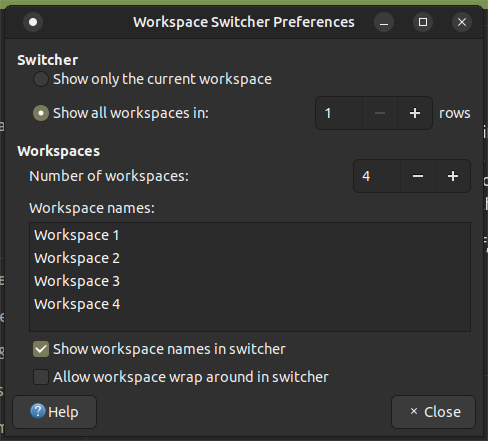
To do what you are asking, you need to right-click on the switcher, and select "Preferences". That will present the following pop-up:
As you can see, there is a box where you can customize the label string for the name assigned to each workspace, currently "Workspace 1", etc.
You need only modify those names to the simple numerics that you showed in your example.
THEN ...
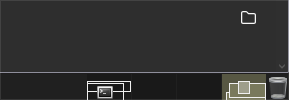
You need to ensure you place a check in the checkbox adjacent to "Show workspace names in switcher". If you do that, the switcher will change the appearance from this
to this

6 Likes
This is why I love this site, I learn something new about Linux and/or MATE every day!
Thanks @ericmarceau!
3 Likes
Thanks for the step by step guide!
2 Likes