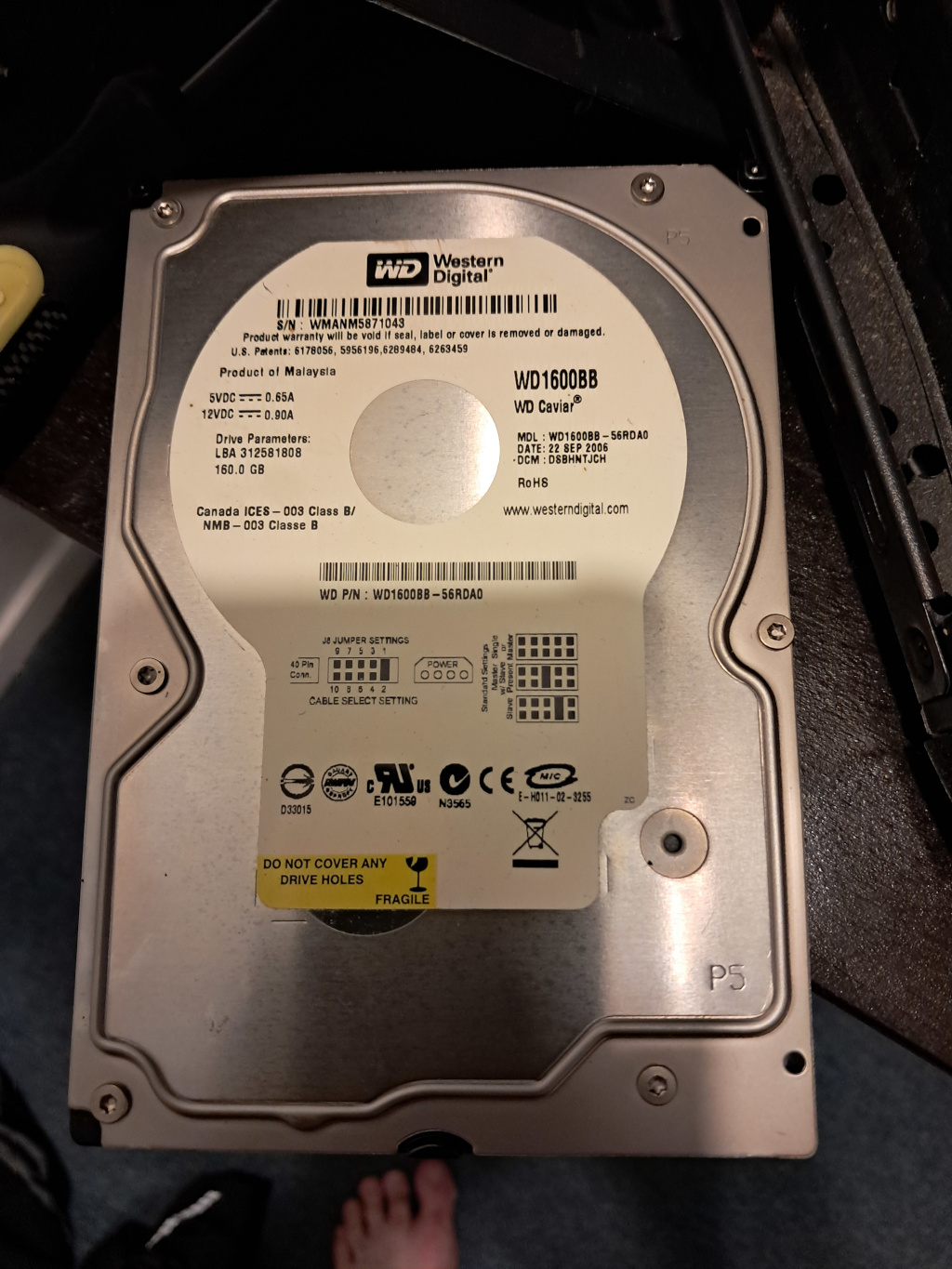
I salvaged this from a HDTV cable box.
Will this Western Digital 160 Gb drive work with my desktop?
I can't see why not, do you have a port that it will connect to?
Quick look and it appears to be 160GB 7200 RPM pATA 3.5″ HDD which I'd expect would work if I put it in a machine which could use parallel ATA. My current box can't, and I'd not try and make it work there, but I would in other boxes (or put it in an old external USB drive box; though most boxes that are pATA will be USB 2.0 only)
WD Caviar drives were a mainstay of HP computers in the early days so, yes, they will work fine with Linux.
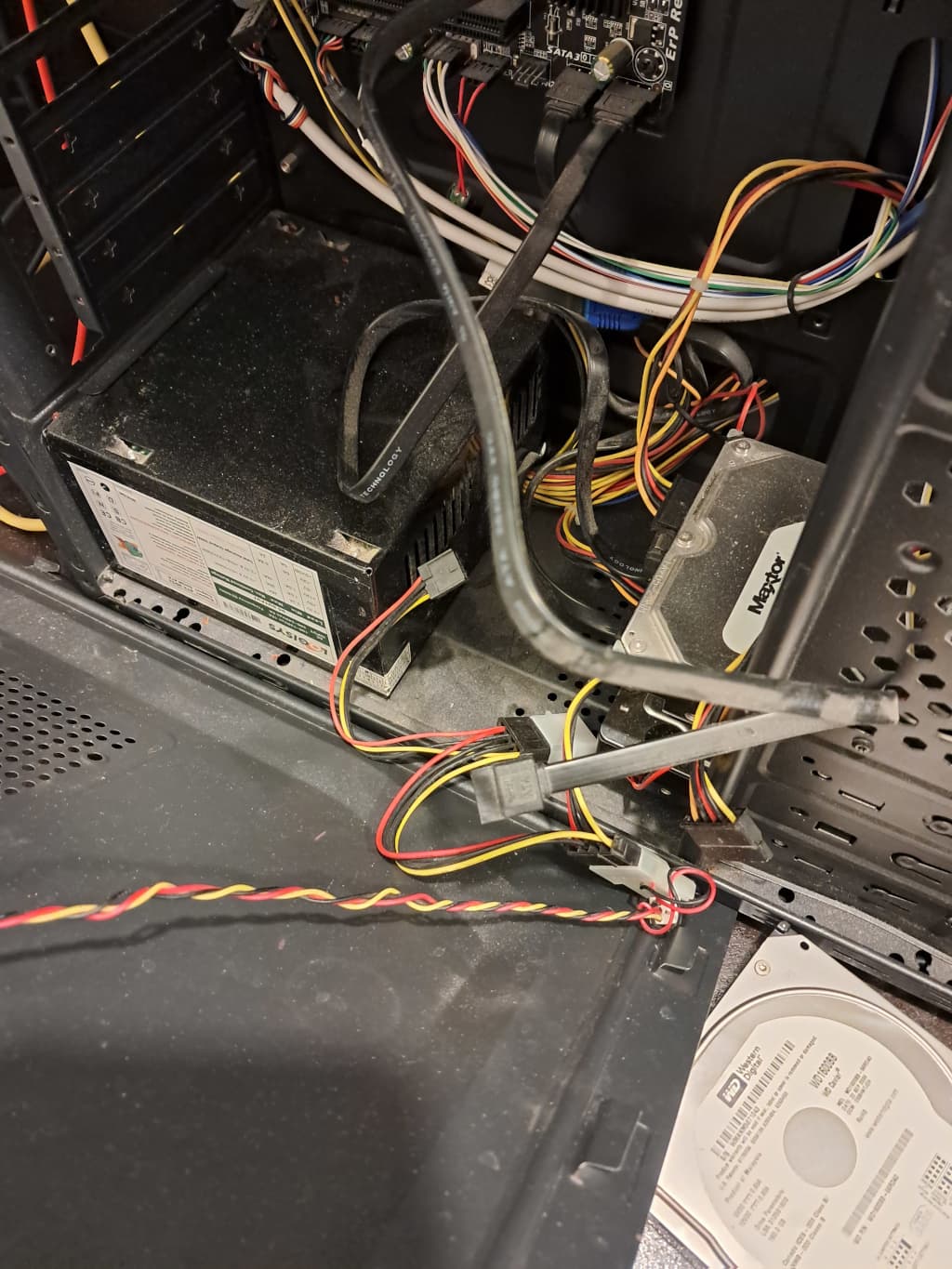
Do I need to look for the port on the motherboard?
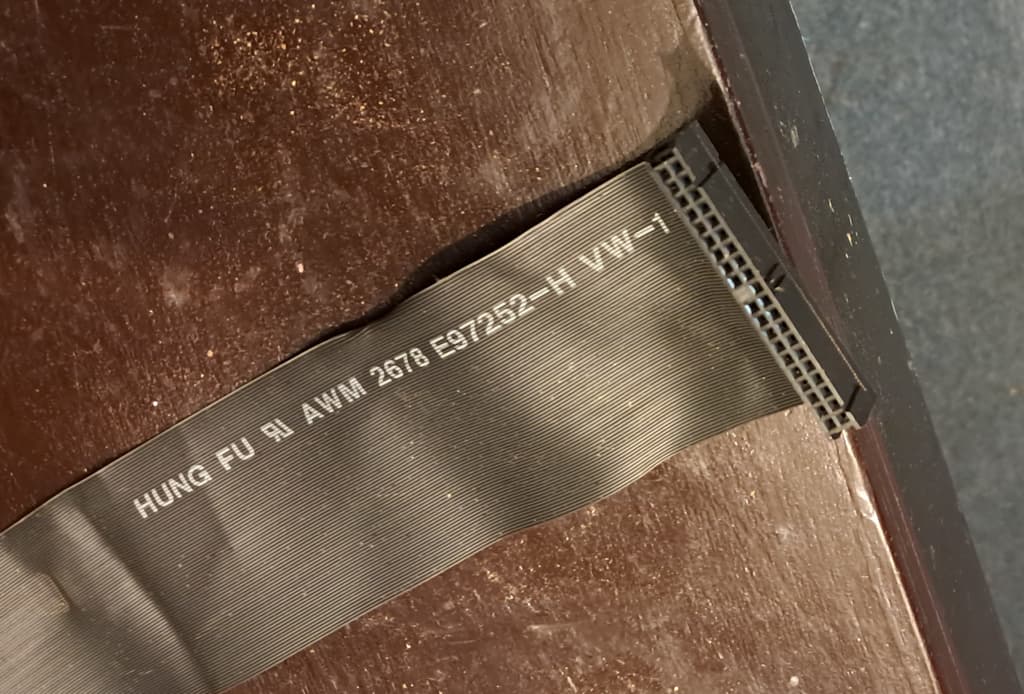
My current spare cables will not fit the drive.
Looks like I will keep to possibly donate. I already use a 330 Gb drive for backup.
You could use any 40 or 80 pin pATA cable.
They are both essentially the same anyway; the 80 pin just contains extra wires which are grounded which allow greater speeds to be reached before electrical interference causes data loss; both 40 & 80 pin connectors being the same.
I can't see the connector; you can look & see it yourself; I'm going by what I read on your photo and the label.
pATA was replaced by SATA or the serial ATA connection of today; those signals differ in tramission given one is parallel (many bits the same time) versus serial (one bit at a time).
You might know this, but worth mentioning the software side: It might be a good idea to give it a full format (zero wipe) to check the drive is in good condition. You could use the Disks program for this.
From a HDTV or CCTV box, it'll be likely formatted with a proprietary or uncommon filesystem, so it might need a new MBR or GPT partition table before it's usable for desktop use.
If my 330 Mb Maxtor drive goes nite-nite, I will see if it runs.
However it is incompatible with my current motherboard.
I may donate it.