My Ubuntu Mate 24.04 can’t open pictures .HEIC, neither gimp, neither pinta, neither eye of mate and neither shotwell. Packages `heif-gdk-pixbuf` `libheif-examples` are already reinstalled.
Taken from Iphone 15
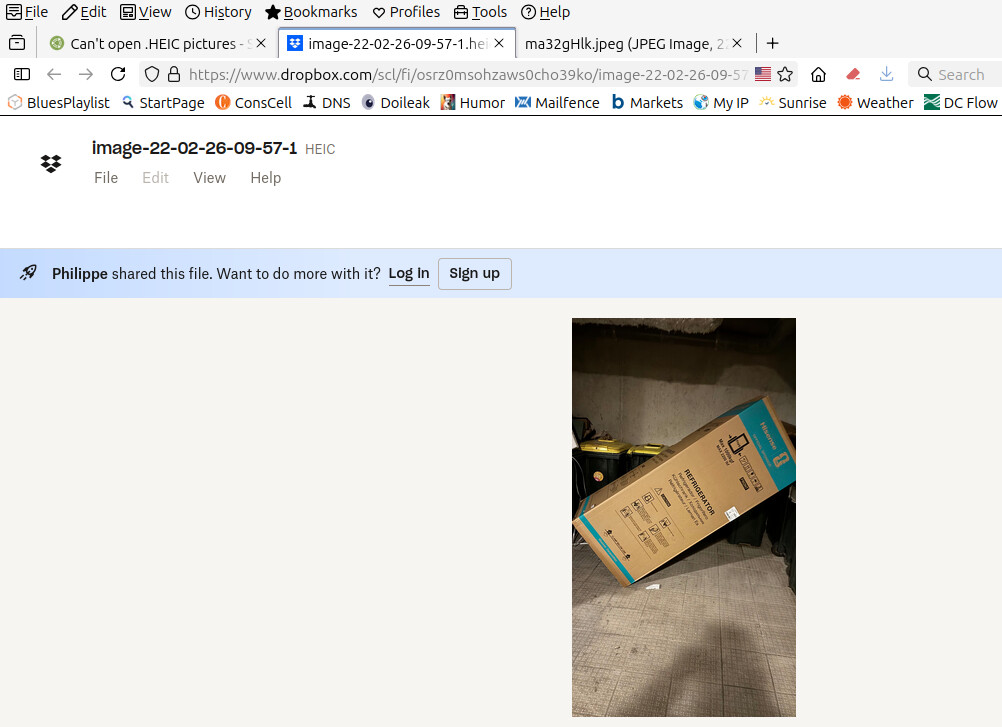
Here is a file I can’t open:
$ apt search heif-gdk-pixbuf ; apt search libheif-examples
En train de trier... Fait
Recherche en texte intégral... Fait
heif-gdk-pixbuf/noble-updates,noble-security,now 1.17.6-1ubuntu4.2 amd64  [installé, automatique]
  ISO/IEC 23008-12:2017 HEIF file format decoder - gdk-pixbuf loader

En train de trier... Fait
Recherche en texte intégral... Fait
libheif-examples/noble-updates,noble-security,now 1.17.6-1ubuntu4.2 amd64  [installé]
  ISO/IEC 23008-12:2017 HEIF file format decoder - examples
I open them with Krita. Then save them as jpeg. It's an Apple format. The first time I ran across it was when a friend that was an I phone user sent me a picture.
If so the version of heif-gdk-pixbuf and it's associated dependencies in the 24.04 repos won't open them.You could install the libheif ppa and upgrade to the latest version which I believe is 1.19.8 and should allow you to open those pics,just remember this is an unofficial ppa.
Before I try something, here is a picture I can’t open. Can you download it and try to open on your system?
The mediainfo of the picture show there a lot of image, weid
Format : heic Codec ID : heic (mif1/tmap/MiHE/miaf/MiHB/heic) File size : 1.31 MiB Writing application : Apple iOS 26.2.1 Writing hardware : Apple iPhone 15 ... Image #1 ID : 1 Format : HEVC Format/Info : High Efficiency Video Coding Format profile : Format Range@L3@Main Codec ID : hvc1 ... Image #2 ID : 2 Format : HEVC Format/Info : High Efficiency Video Coding Format profile : Format Range@L3@Main Codec ID : hvc1 ... Image #55 ID : 58 Format : HEVC Format/Info : High Efficiency Video Coding Format profile : Main Still@L3@Main Width : 1 134 pixels Original width : 512 pixels
Firefox on Linux does not natively open .heic (High Efficiency Image Coding) files by default. libheif: This library can be used with various graphical tools to handle .heic images.
libheif is in the Ubuntu Mate Repository. I checked with Synaptic and I do have libheif installed.
That's definitely a HEIF image. Since it was taken on an Apple device, those extra image streams might be data related to their bursts/live photo feature, or it might be thumbnails. I guess mediainfo is just exposing those internals.
This HEIC format acts like a "container", with a HEIF image inside. Just like MKV is a container for video with an AVC stream inside.
As @jymm says, installing libheif should enable programs to use that format.
I did some more investigation.
Firefox and Waterfox can open .HEIC files on Linux, provided that libheif is installed.
Firefox and Waterfox do not automatically convert .HEIC files to .JPEG files
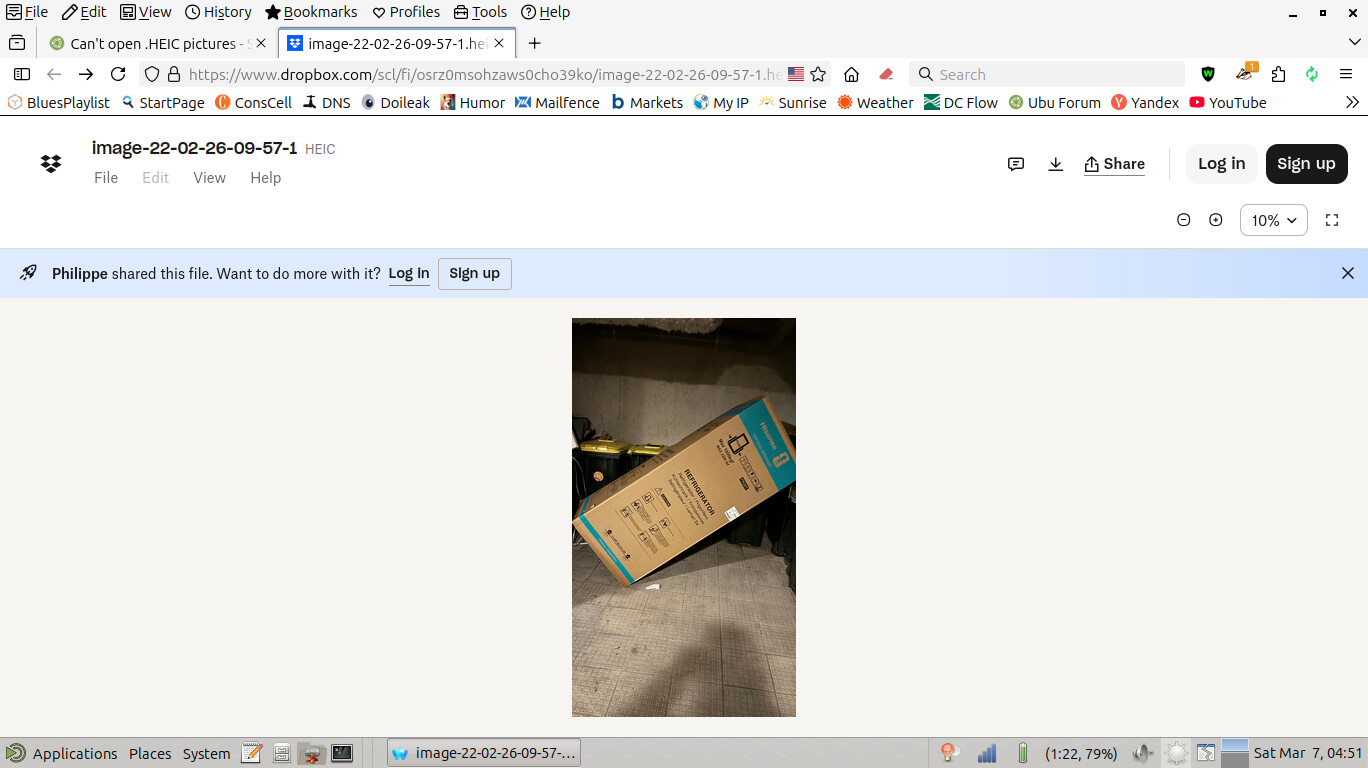
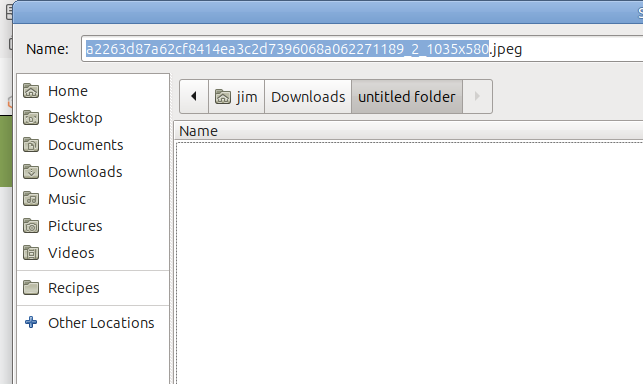
Why is it opening as a jpeg file on Waterfox? You can see from the tab when I clicked open in new tab it is a jpeg file. I do have libheif installed. that will open a .heic picture but isn't capable of auto converting it.
I'm sure that's the thumbnail image generated by Dropbox. To get the original file, you'll need to click the "Download" icon next to Share then "Or continue with download only" in the pop up.
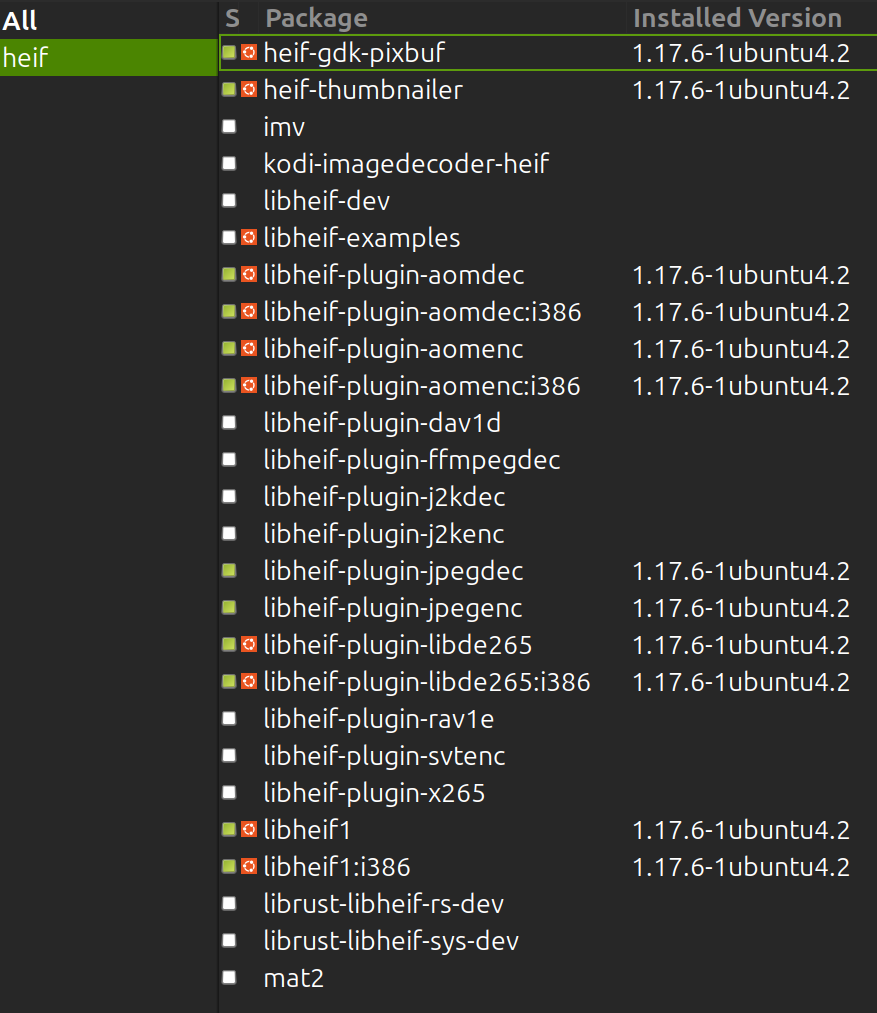
According to Synaptic following packages related to “heif” are installed on my Ubuntu MATE 24.04.4 LTS PC, but the downloaded HEIC image does not open.
Were those "sample" files taken with iOS18/iPhone18? I'm betting they probably were not as you were able to open them with the 6.17.7 version of heif-gdk-pixbuf that comes with 24.04.And if they were taken with iOS18 then you have at the very least the 1.19.8 version installed.
Be thankful you got that "error" message.Limewire is the same shi**y file sharing site it's always been.