Hi,
I am new in Linux that is my first day .But from the start i have problem… My Wifi not work i dont know why .I see other topic here but everyting i do again not work … can some one help and give simple answer for new
My laptop HP Model :15-ac128nu
Hi @Xcess
Please provide the output for the following command typed in a terminal:
sudo lshw -C network
You can open the terminal using the shortcut CTRL+ALT+T
When you enter the command, it will prompt you for your password.
Stars won't be echoed back to you when you type your password: this is normal, just keep typing then press Enter.
Once you have the result of the command, you can copy from the terminal using CTRL+SHIFT+C
Cheers
Hi again.
Sorry for late reply, i reinstall Linux mate 16.04 for sure i am do someting not wrong and delete all my experiments .I see the beginners guide and install update but again noting happen…
I go this command in a Terminal sudo lshw -C network
Hi again.
I try both but noting happen ..
now i see my network adapter but when i try to connection he tell me i am connection but when i go internet browser i no have internet .........
I am in 1 meter from my ruter in same room.
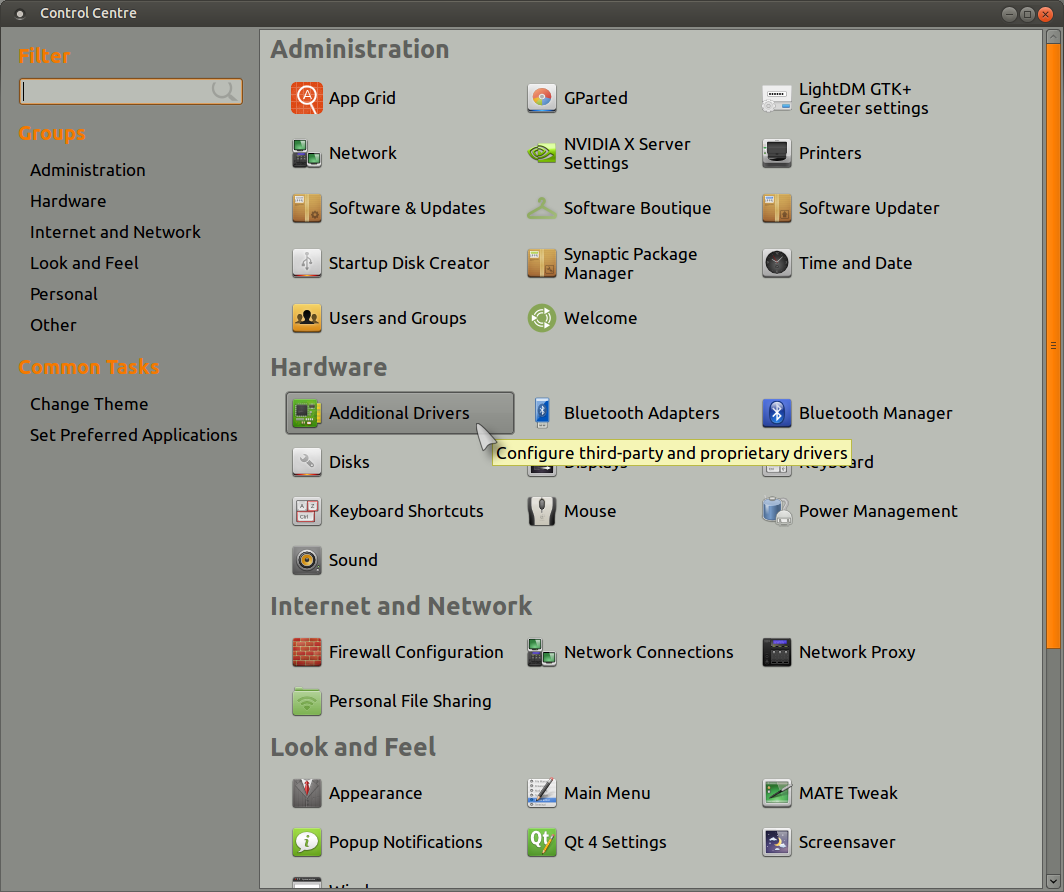
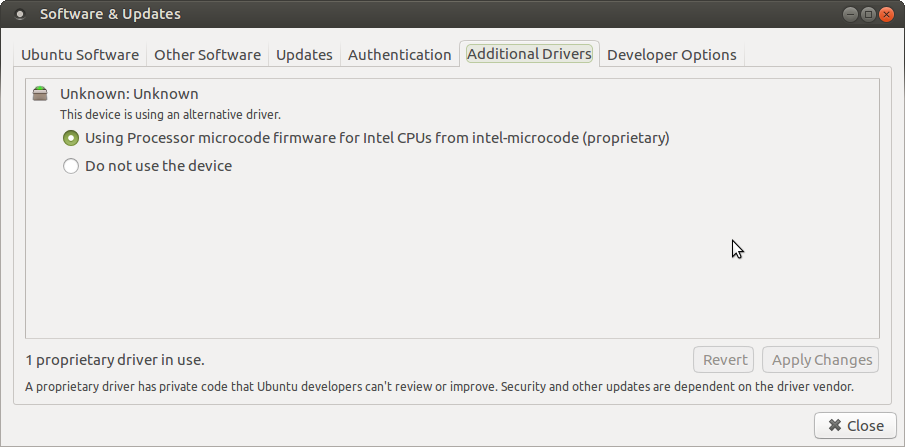
And when i go to "Additional Drivers" i see only one driver for my intel processor.
i no see drivers for my graphic card or other devices ....
I have AMD Radeon M330 1 GB.
Hi,
I try that my internet come for 2 min and loses … wifi show me i have internet but when i try to go internet browser no have … HOLY…
My ruter is 1 meter from my laptop but wifi still show me only 2 bars.
How is possible that … that is from linux or from my laptop .
In windows works fine in full bars and i no have problem with him but i dont wanna back to windows 10… please …
Cheers!
As for the WiFi icon showing wrong strength status my advice is to ignore it for now, it's most likely due to the multitude of active bugs in network-manager et al.
Instead, use the following command to monitor connectivity:
ping -s16 8.8.8.8
If you get ping replies under 10ms consider you have a good connection, and don't bother looking at the icon.
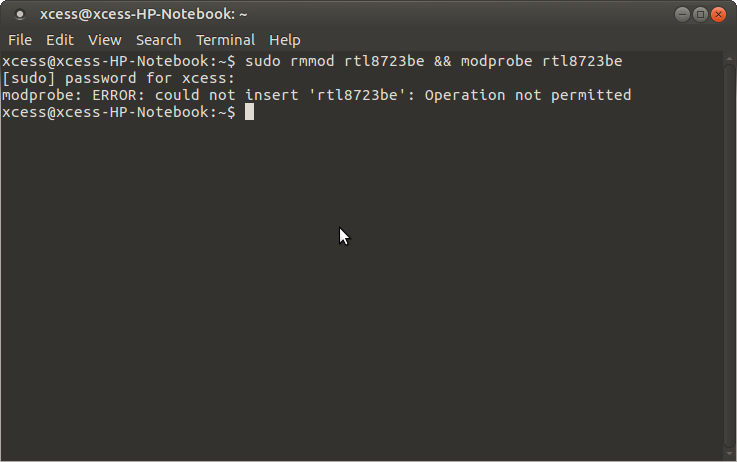
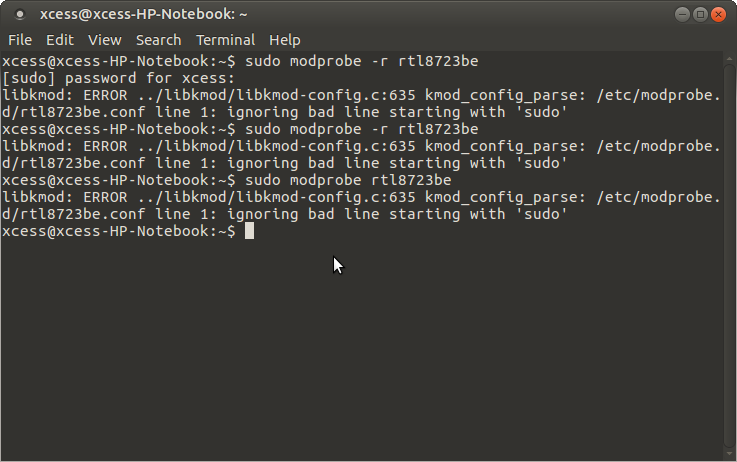
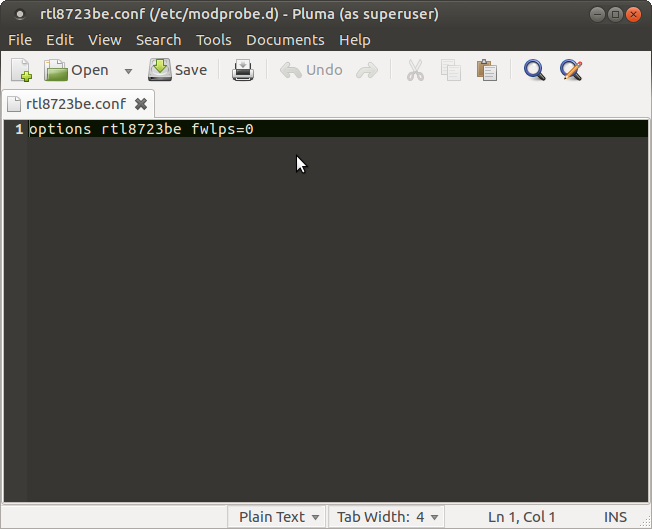
Now no have error i wrote this command in file options rtl8723be fwlps=0 when use this command in a Terminal sudo pluma /etc/modprobe.d/rtl8723be.conf my
And problem stay when i use Wifi internet is very slow or drop every 2 min ... not from my internet provider.
When i use cable i download with 2 MB/s .. when use Wifi 100 KB/s ..... HOLY..
here i have other one laptop with windows 7 and he no have that problem with Wifi . Cable or Wifi he download with 2 MB/s and no have that problem with drop or lose connection....
Have way to fix it on linux laptop?
Cheers!
" Quite often, the weak signal is a symptom of the antenna wire being connected to connection #1 on the card when the default driver is expecting to see the signal at connection #2. Of course, you could open the laptop and switch the wire or you could install a newer driver that permits antenna selection at the driver level. "
The quoted text and the solution for this can be found at the following link :