Hi, thx for replying.
I tried your suggestion and used mkusb to create a new persistent live-usb but the link to ostechnix should be updated as it explains the method for mkusb 12 and the version I got from launchpad is mkusb 24.
So I tried and guessed what to choose when different from what was shown, e.g
Then I got the final message ‘normal termination, done:-)’ plus something about cleaning.
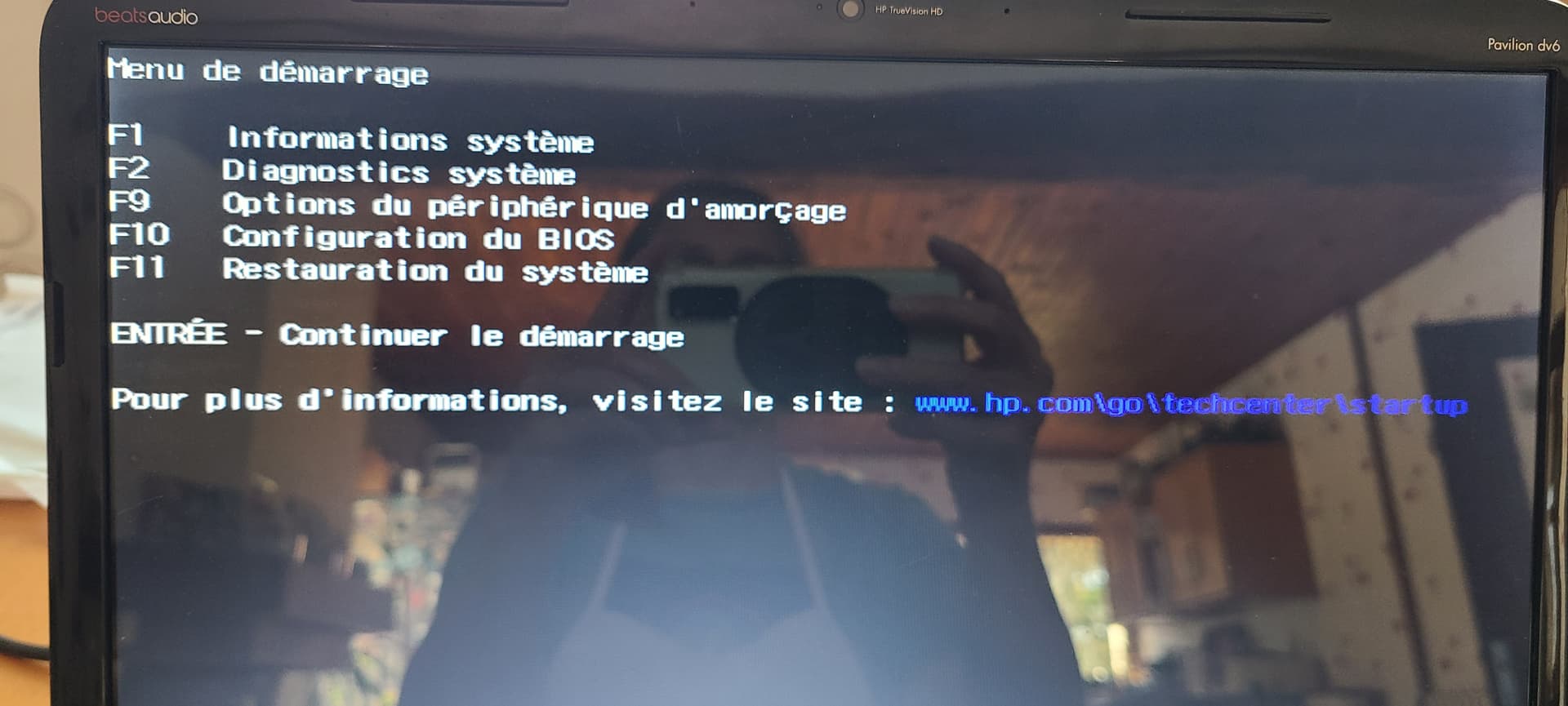
Checked the key, shut down, plugged the key, switched on…
And nothing 
Where the hell did I go wrong?
finally I
-reinstalled Mate for the 3rd time on internal hard drive, from unetbootin live-usb,
-set another password, unchecked the box ‘ask for password when opening session’
-went through the install process, reboot, personalized desktop
-logged out and back in–> ALL FINE!
-shut down, switched back on–> RUNS PERFECTLY  , no pswd asked, all settings saved
I guess the previous installations had encountered mistakes that led to this mess…
and I didn’t solve the live-usb persistency problem, but never mind
thank you all anyway, Oldstrummer picked the right solution!