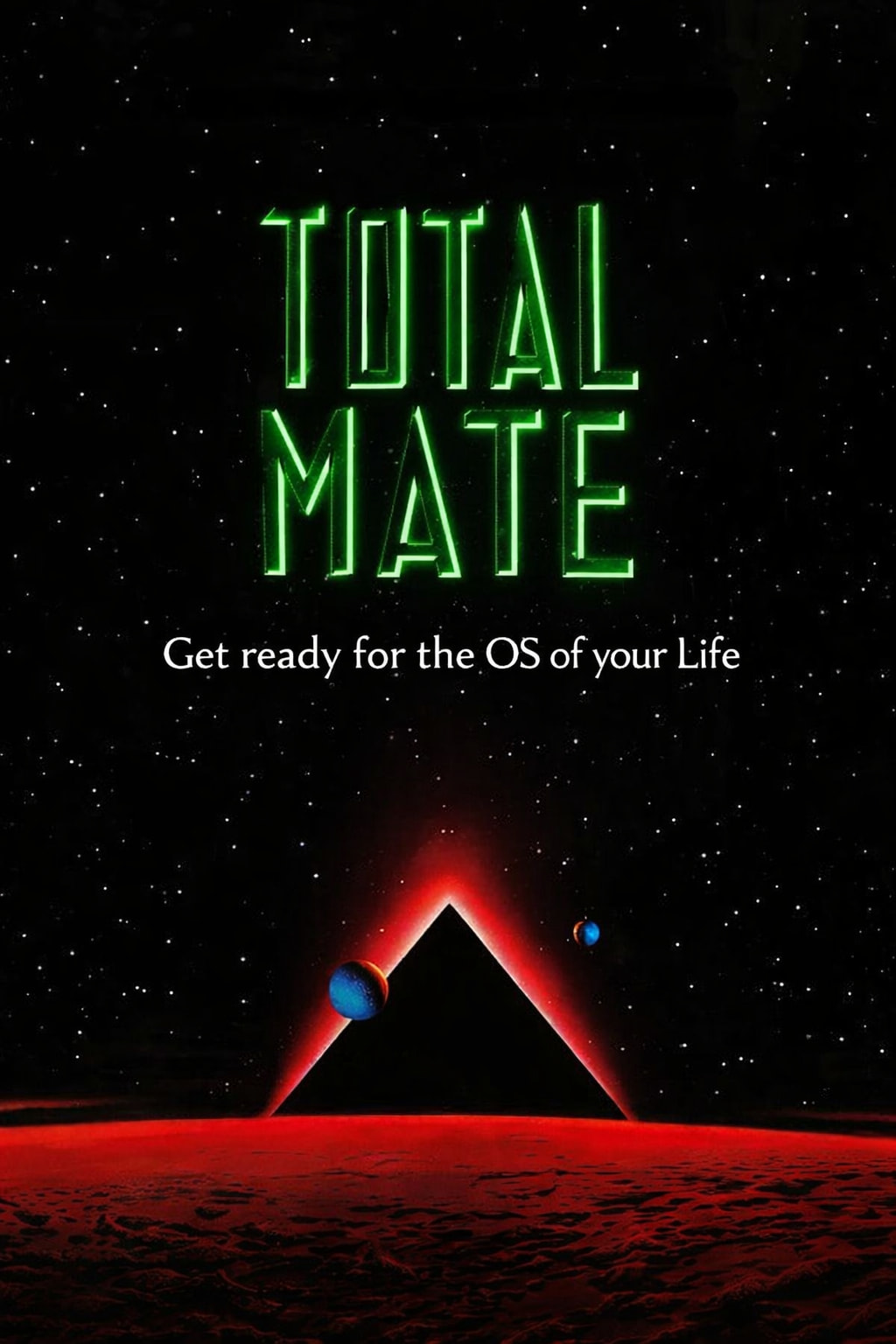
I just played around with a Idea after watching Total Recall.
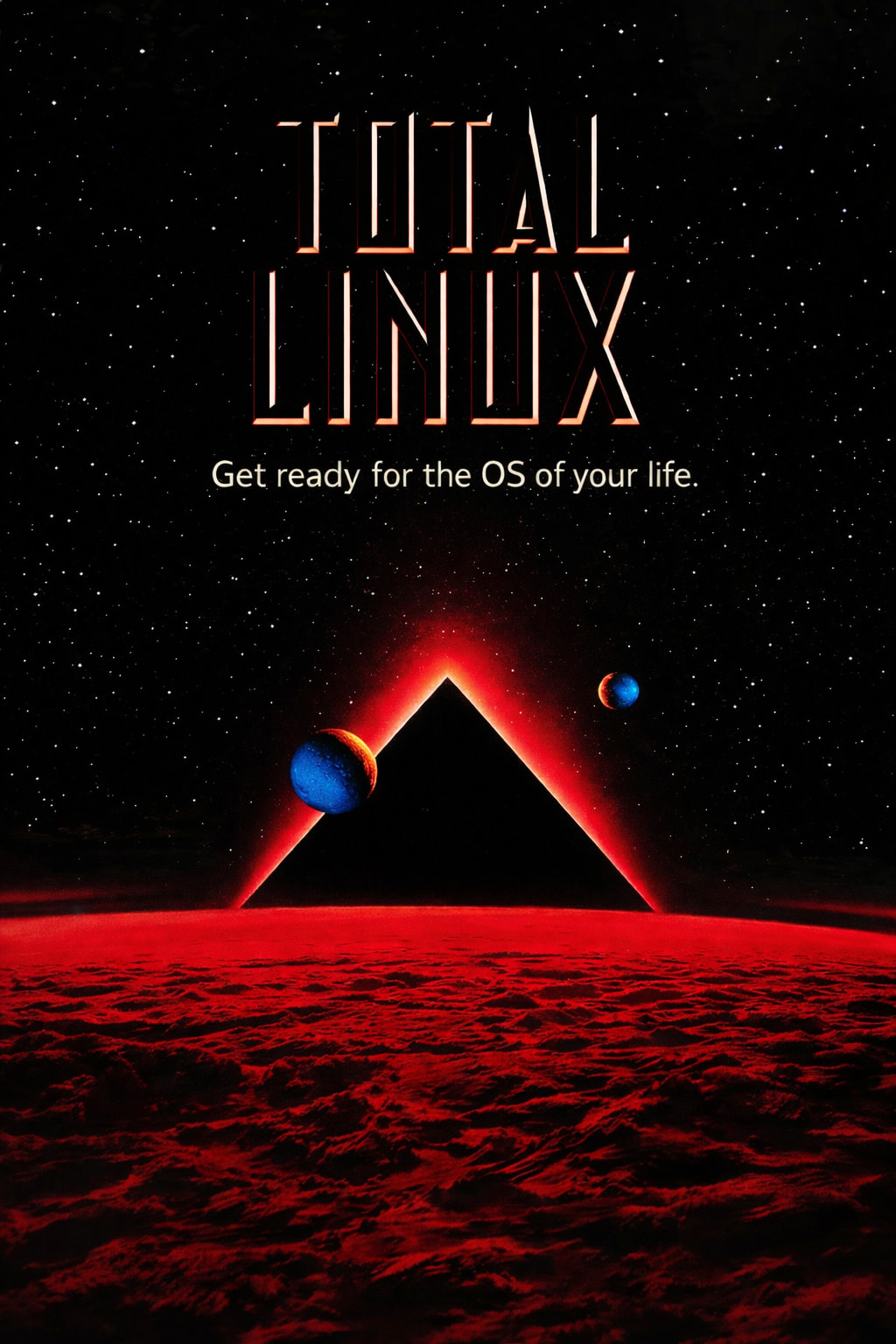
If you got similar Ideas, post them here please.
I just played around with a Idea after watching Total Recall.
If you got similar Ideas, post them here please.
Amazing graphics! Good concept!
Just wondering if it might be better to reference "Total MATE" instead of "Total Linux".
Just an idea I'm throwing out there.

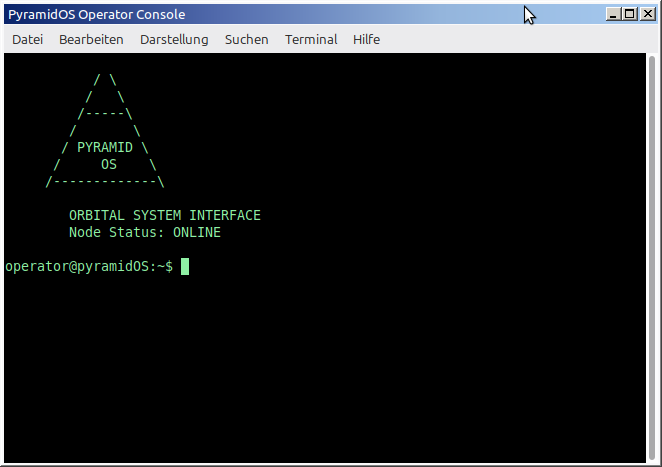
That sounds good indeed! I was thinking as a name for the User Interface Project, im already working a little on it, i call it “PyramidOS”
Just think of it like a 90´s Linux Design but going ahead to 2085 like in Total Recall.
The Startup would be a Pyramid that´s building up with a Progress Bar underneath, that´s going from cool blue to bright red once it´s finished.
Also some command changes like, instead of CPU it´s called “Reactor” or something like that, but i don´t know if that´s taking things too far. It should be really usable, not something for a afternoon.
I like the Pyramid and the Planets. It kind of is symbolic for the Kernel and things like CPU and RAM i think, like, essential.
So, is this going to be a new "Distro" ...
or ...
as I am trying to define, a clean reproducible process that makes use of a couple of standalone Bash-based tools, after installing the basic Ubuntu Server ISO, to build an UbuntuMATE-like environment customized to the User's specification?
The underlying assumption is ... of course ... that MATE Desktop would continue to be maintained/evolve in a manner that it remains compatible with the underlying Ubuntu baseline OS.
Cross-References
Just trying to learn how to code for now. But, i think of it like a exercise in creativity and pushing limits. Just because it´s Sci-Fi doesn´t mean it can´t work and look cool and usable. Maybe it´s even just for the fun of it - or will end up as a new OS, who knows. It´s just to spread inspiration, possibilities.
I did a search, but could not come up with anything that would allow "framebuffer" level layer control that works on a basic console. 
If you are exploring skills that you can acquire, to expand your set of "competencies" ... and ... are willing to be adventurous a bit, you can consider the results of this suggested google query.
Query:
linux which software packages are good for creating ascii art animations
Google reply:
For creating ASCII art animations on Linux, several excellent software packages are available, ranging from dedicated editors to command-line utilities.
Dedicated Editors and Animation Studios
Durdraw: This is a powerful, frame-based ANSI, ASCII, and Unicode art editor that runs in modern terminals. It is heavily inspired by classic DOS ANSI editors and supports high-speed animation, 256 colors, custom themes, and can export to animated GIFs or PNGs (requires Ansilove). It's available in many Linux distribution repositories like Debian, Ubuntu, and Arch.
Playscii: A cross-platform, open-source program for creating ASCII art, animations, and even simple games. It offers a graphical user interface (GUI) and provides detailed documentation on its project page for creating artwork and games.
MoebiusXBIN: This ASCII and text-mode art editor supports custom fonts and colors, utilizing the XBIN file format. It is open-source and available for Linux, macOS, and Windows, focusing on expanding the possibilities of text-mode graphics beyond standard ASCII.
Programming Libraries and Utility Suites
Asciimatics: A Python package that helps create full-screen text UIs and ASCII animations. It is designed for developers who want to create animations programmatically.
Asciiville: More of a suite of commands and utilities, Asciiville integrates several existing open-source projects for generating and viewing ASCII art and animations. It provides a comprehensive text-based environment with features like an animated system information tool and an ASCII art gallery.
Simple Command-Line Tools
For simple, pre-made animations or effects, you can use:cmatrix: Displays the classic "The Matrix" digital rain effect in the terminal. sl (Steam Locomotive): A simple and fun utility that displays an ASCII steam locomotive running across your terminal if you accidentally type "sl" instead of "ls". asciiquarium: A Perl script that creates a colorful, animated aquarium in your terminal.For creating custom, frame-by-frame animations from existing media, you can use tools that convert images or videos to ASCII art and then combine the frames. For example, jp2a converts images to ASCII, which could be scripted for simple animations.
Like those graphics better! Shades of "Green Men on Mars!"
A possible alternate byline might be
or